Security Guard Agency Management Software
Business & Operations Run a guarding agency end to end: posts and rosters, selfie check-ins, QR patrols, the occurrence book, GST billing on duties delivered, and wages.About this app
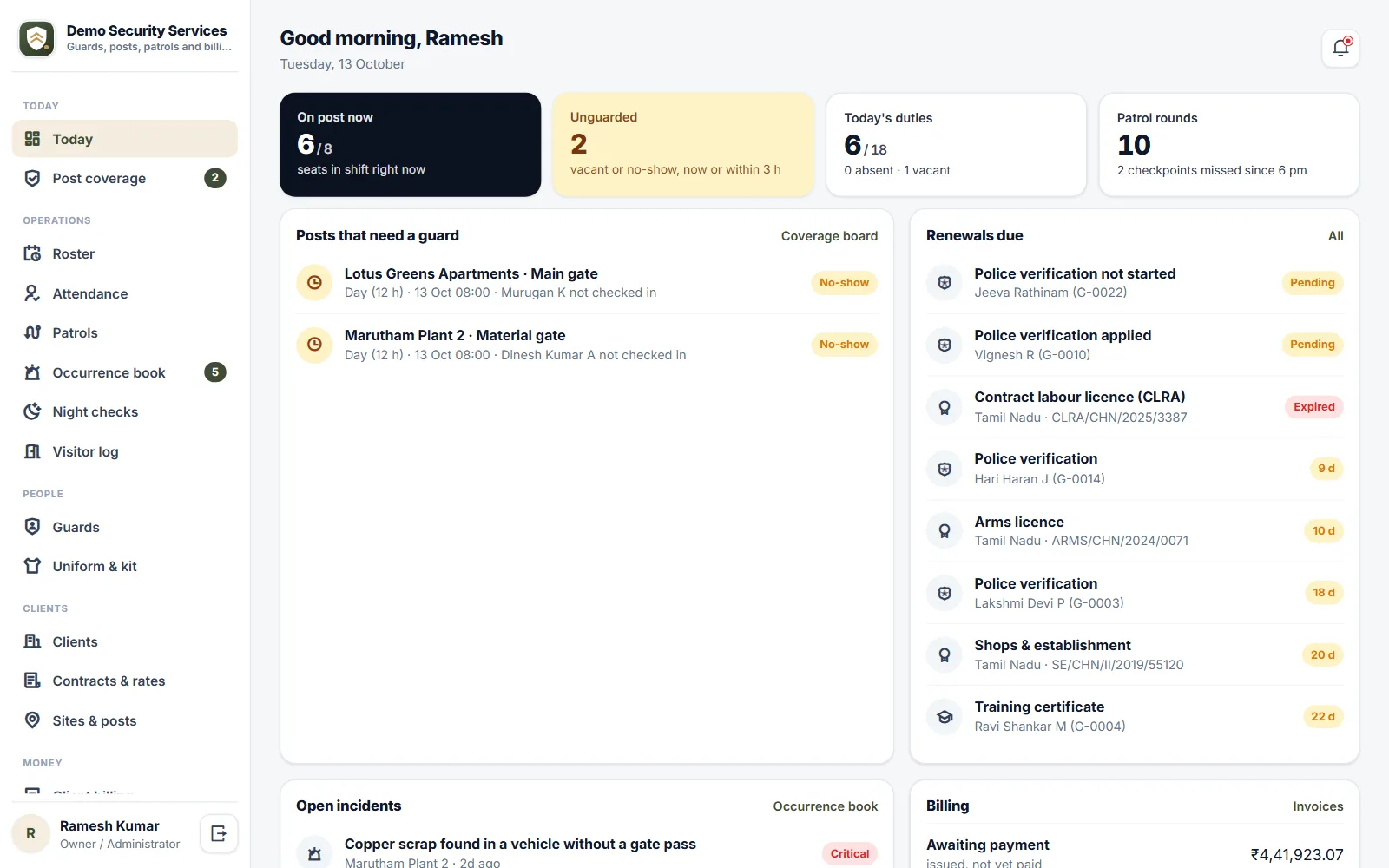
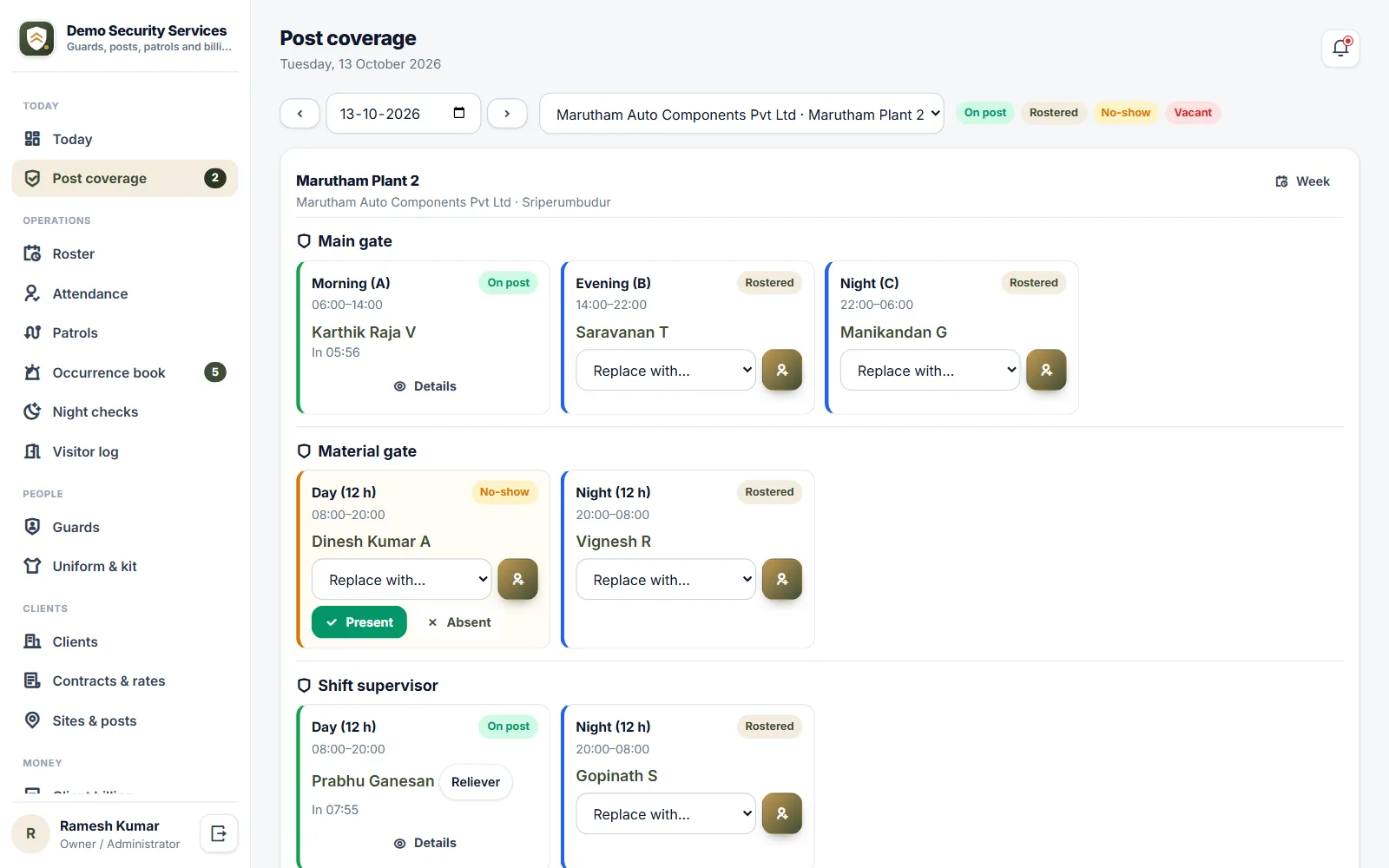
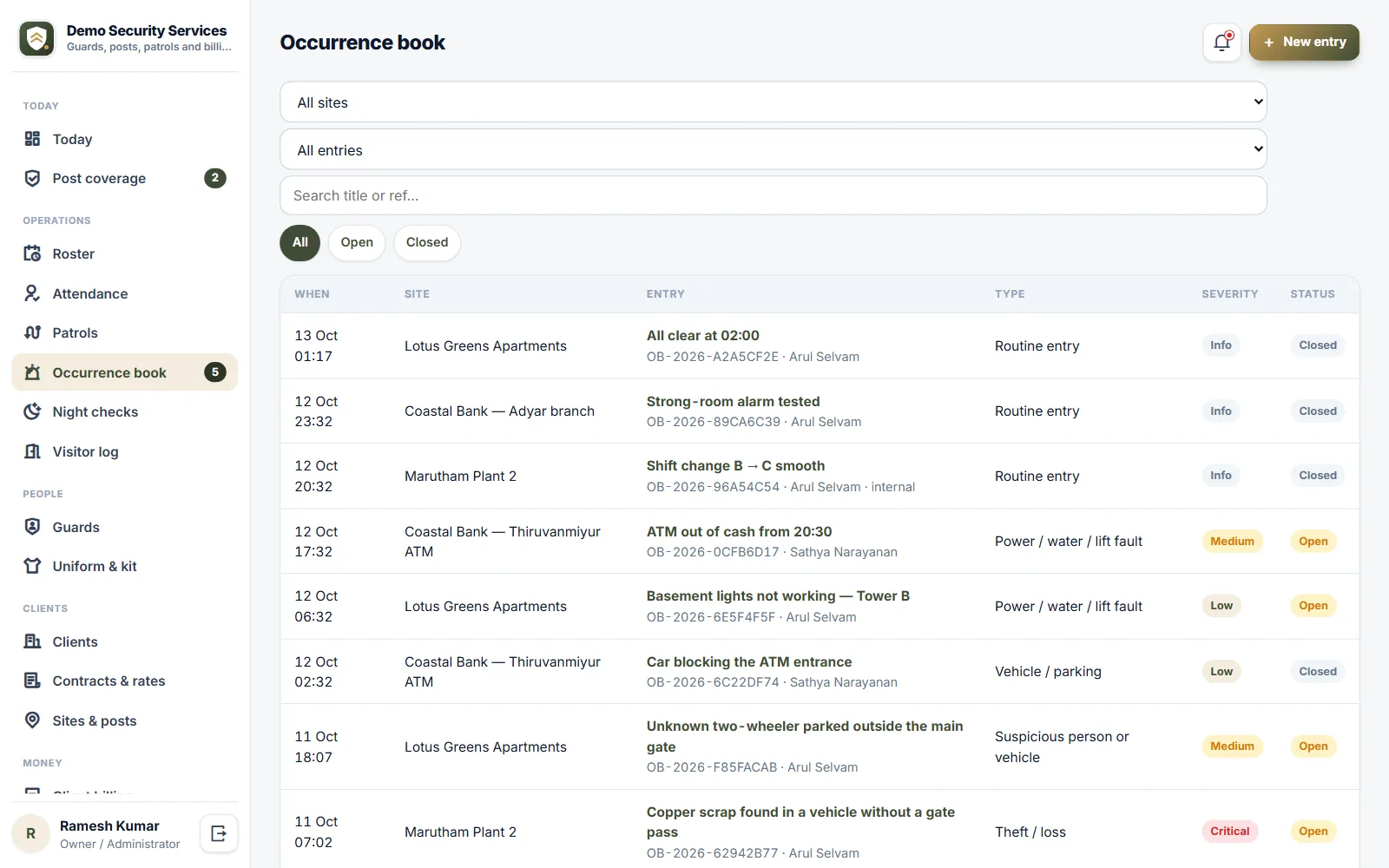
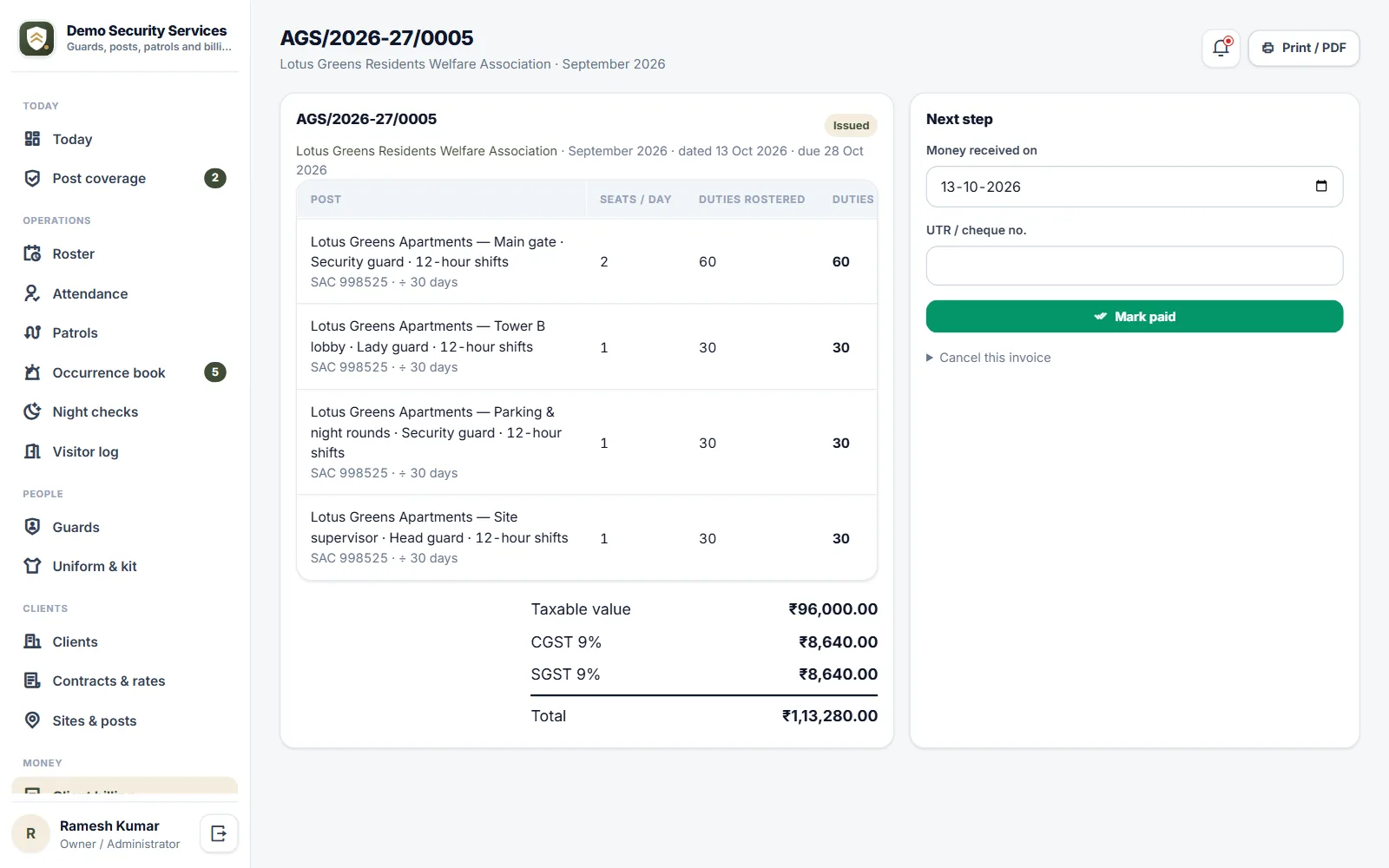
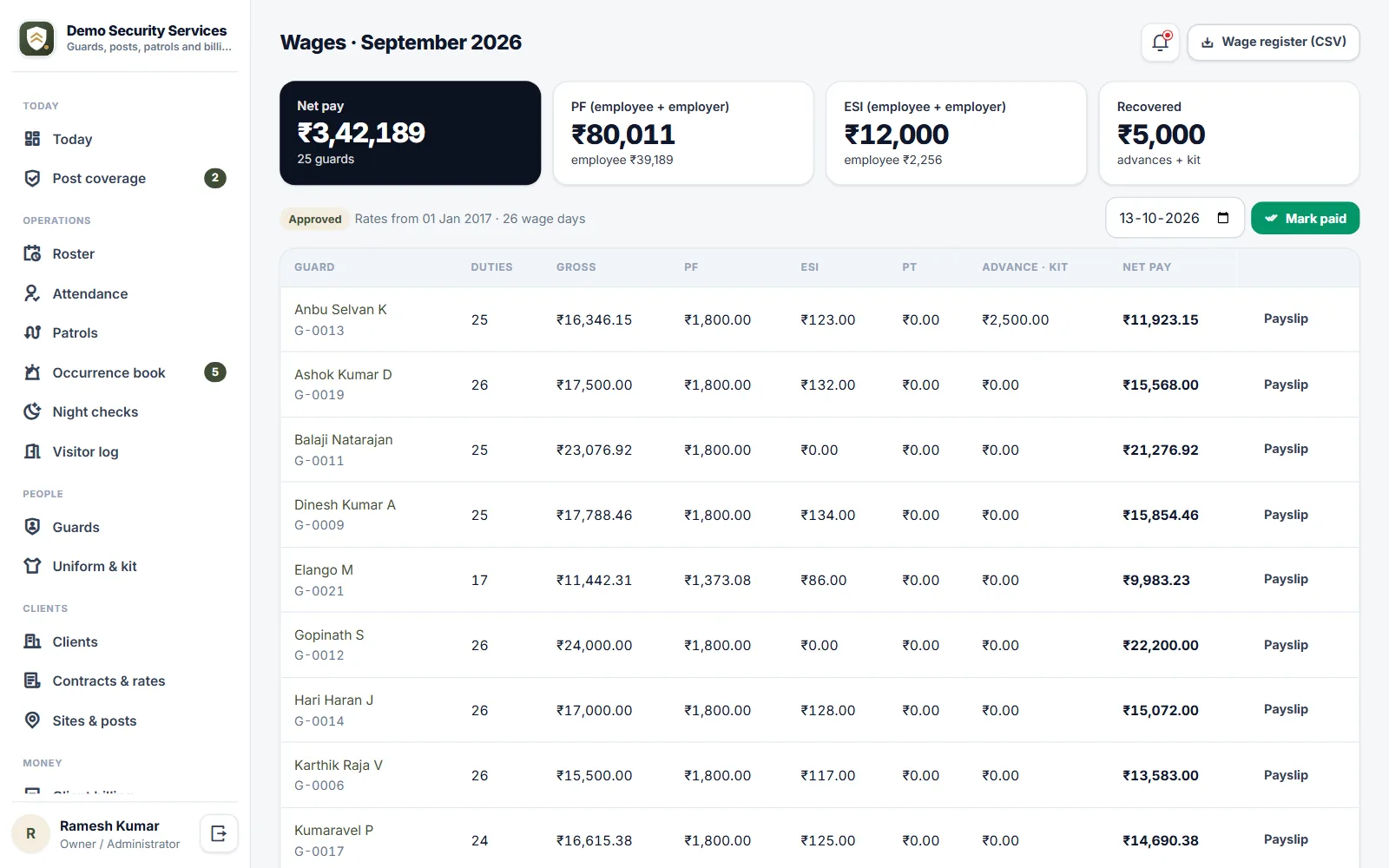
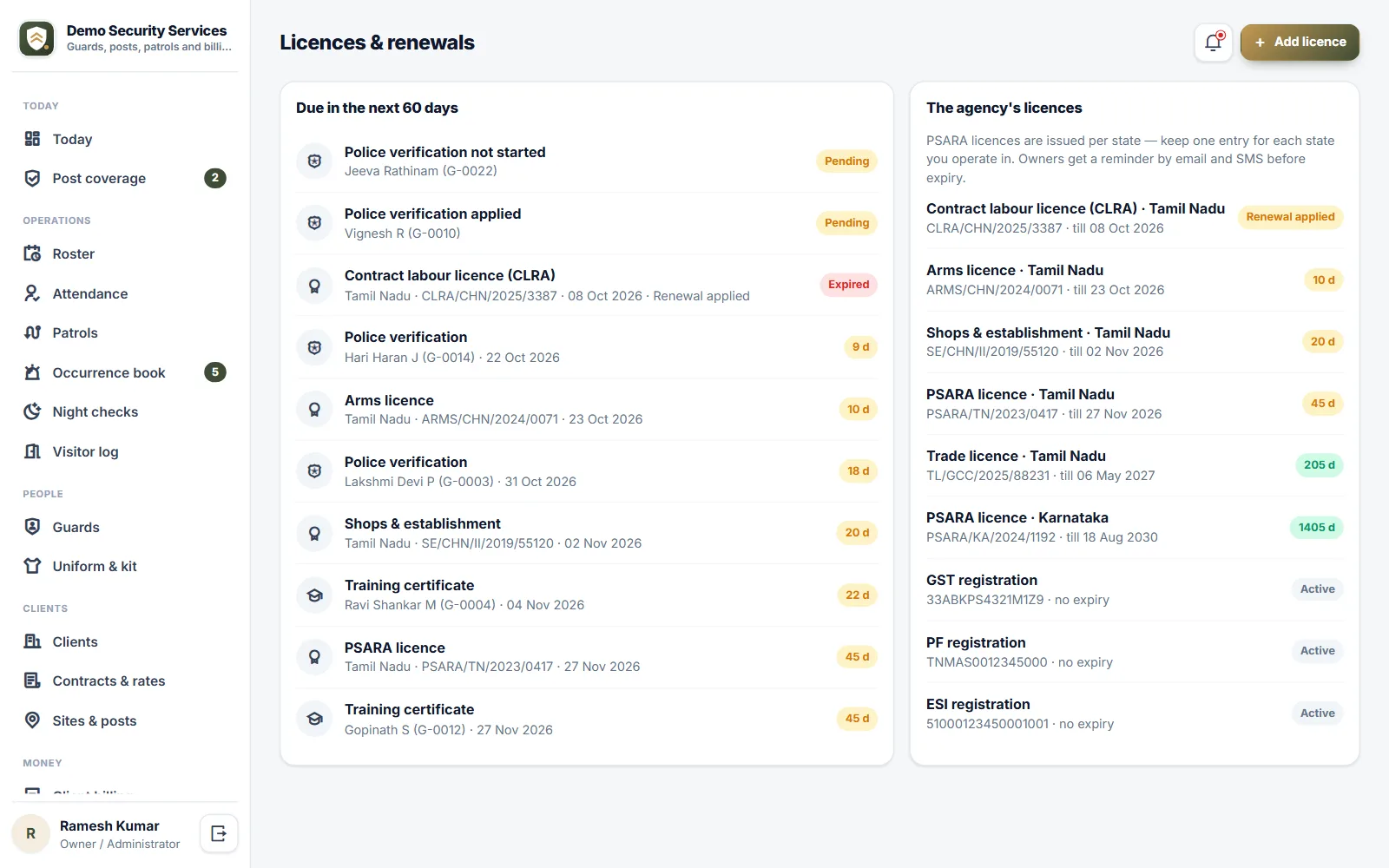
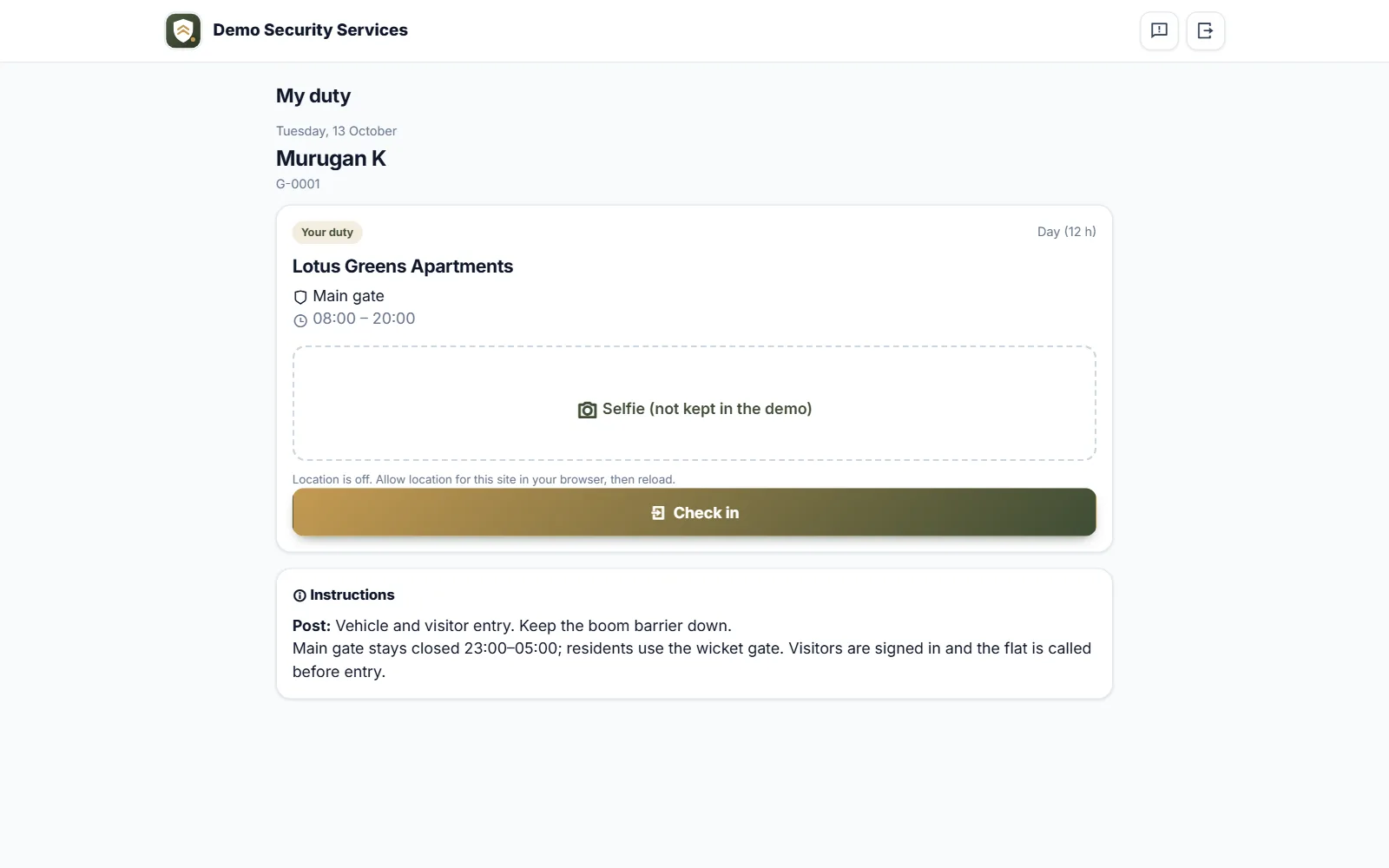
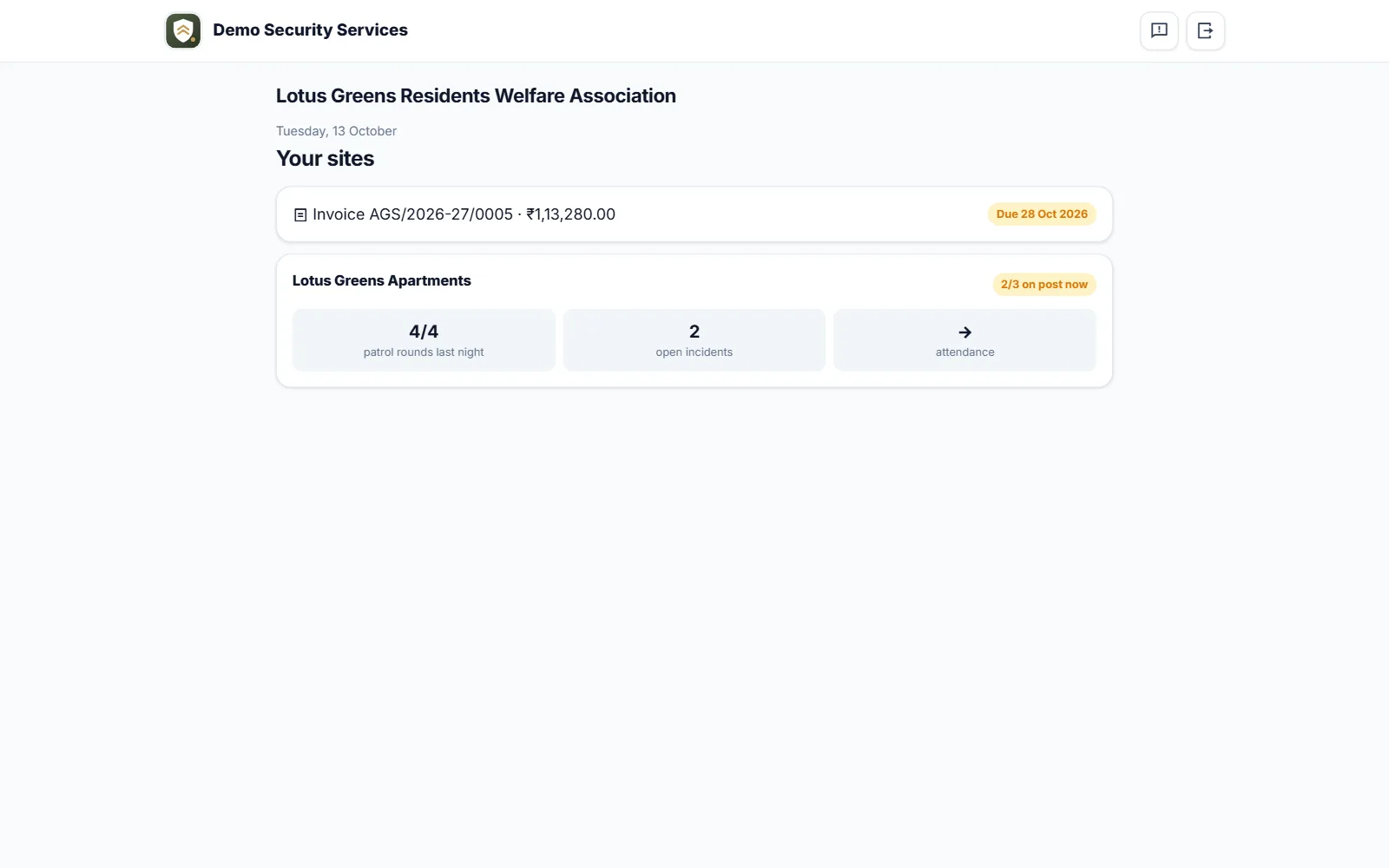
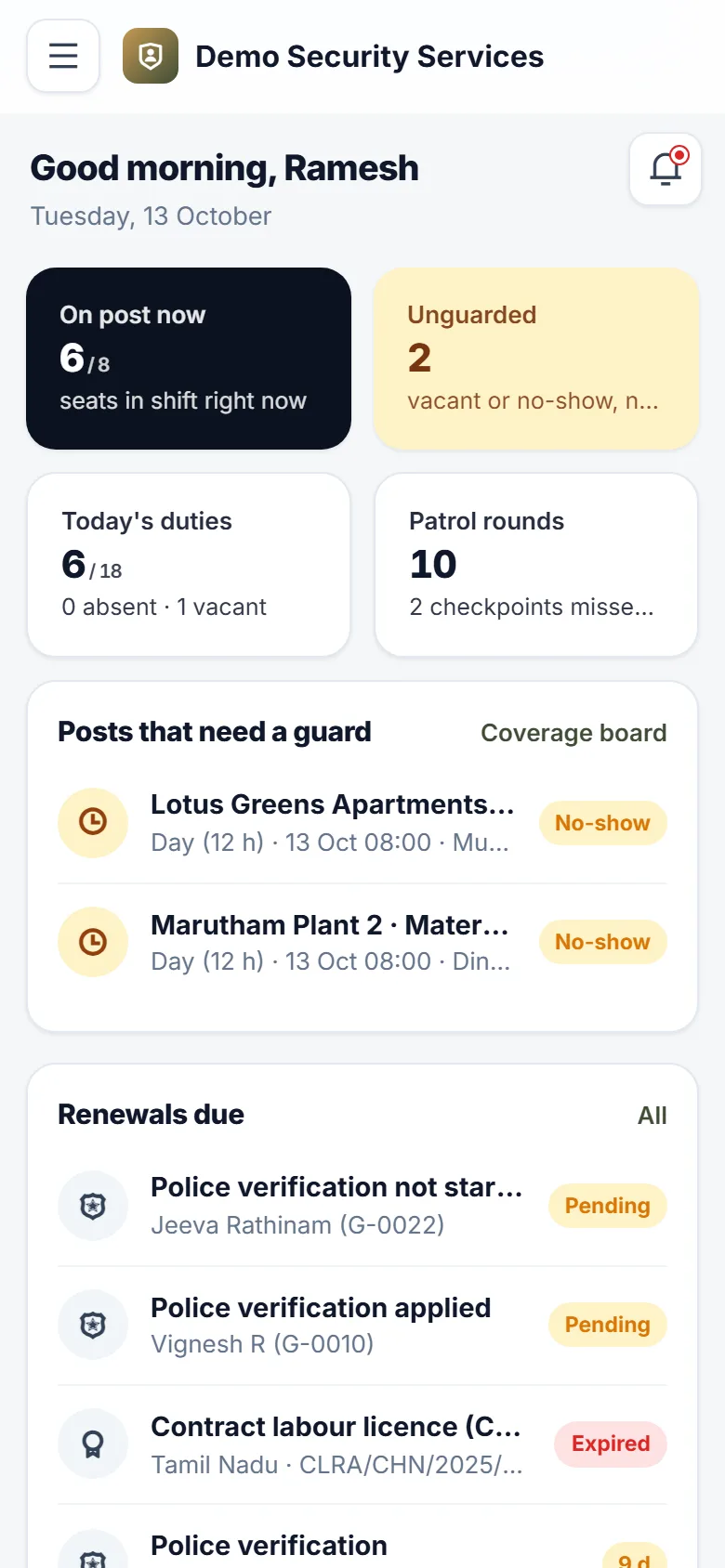
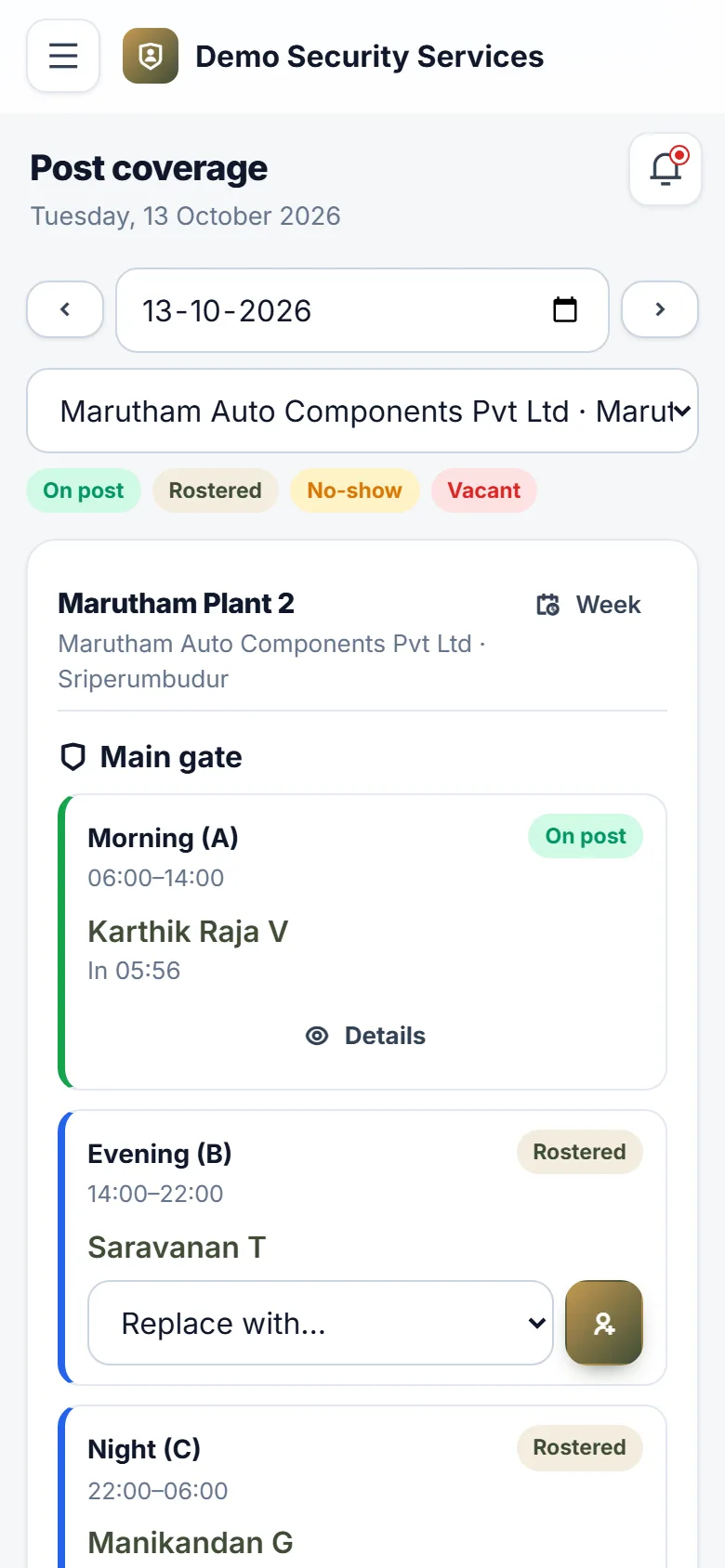
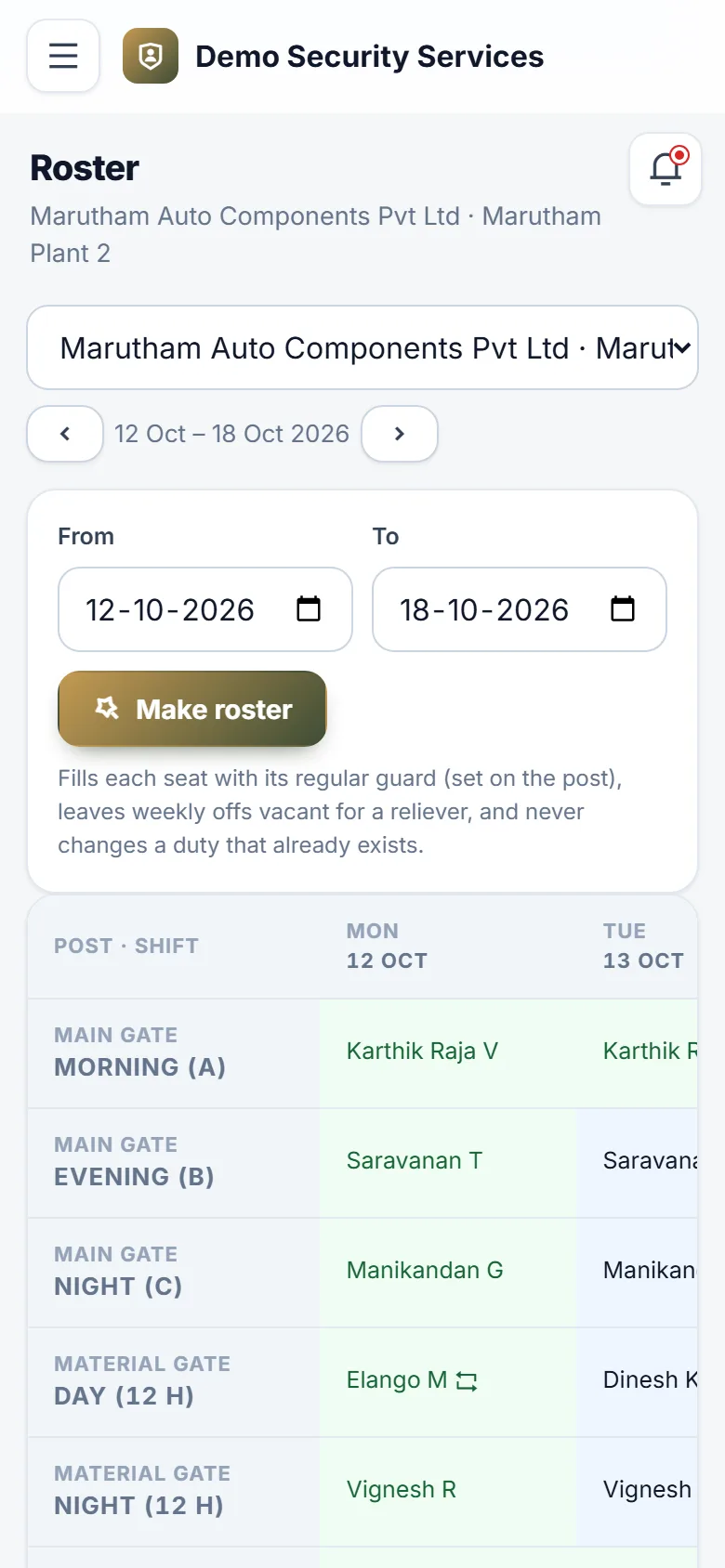
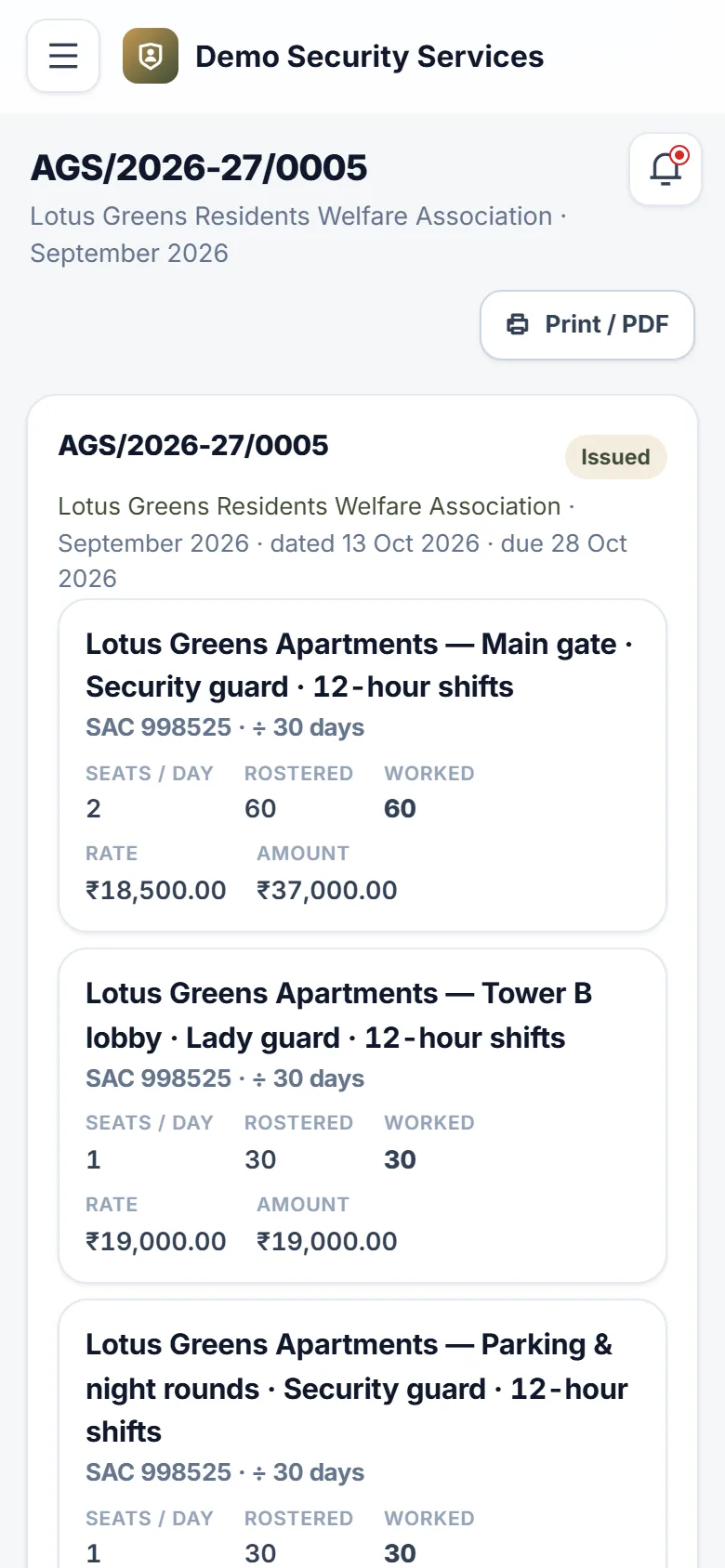
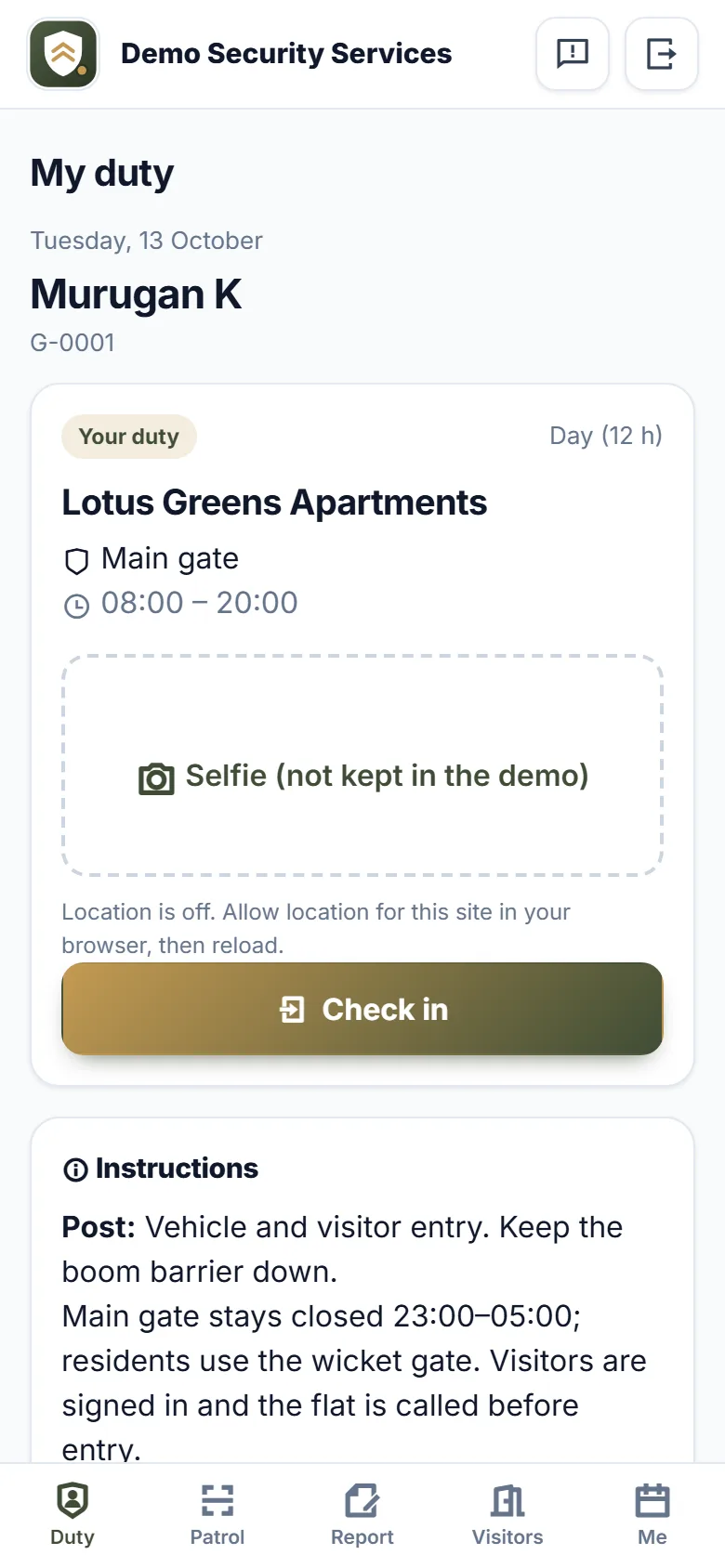
For private security agencies that place guards, supervisors and bouncers at apartments, factories, offices, banks and events. Each client has a contract with a rate card, each site its posts — Main gate 24×7, Tower B lobby by day — and each post its seats and the guard who normally stands there, with their weekly off. One tap makes the week's roster; weekly offs are left open for relievers, and a guard can never be booked on two duties at the same time. The coverage board shows every seat for the day: on post, rostered, no-show or vacant. Your field supervisor gets an SMS before an unguarded shift starts, and the relievers who are free are offered first. Guards check in from their own phone with a selfie and their location; a check-in away from the site is flagged, and the month's muster roll is ready to download. At night, guards walk their rounds scanning QR labels at each checkpoint, and every checkpoint missed is reported. The occurrence book takes incidents with photos straight from the guard's phone, the visitor log runs at sites that need one, and supervisors record their night checks — found alert, sleeping or not in uniform — with location. At the month's end, client invoices are worked out from the duties actually worked at each contract's rates, with CGST and SGST or IGST and reverse charge handled, numbered per financial year. Guard wages come from the same attendance, with PF, ESI and professional tax from a rates table you update when the law changes, and advances and uniform recovered; each guard sees the payslip on their phone. PSARA licences for every state, labour and other registrations, and each guard's police verification and training are tracked with reminders. Clients get a portal for their own sites. Your agency's name, logo and colours are on every screen.
Why buyers pick it
Everything included 27
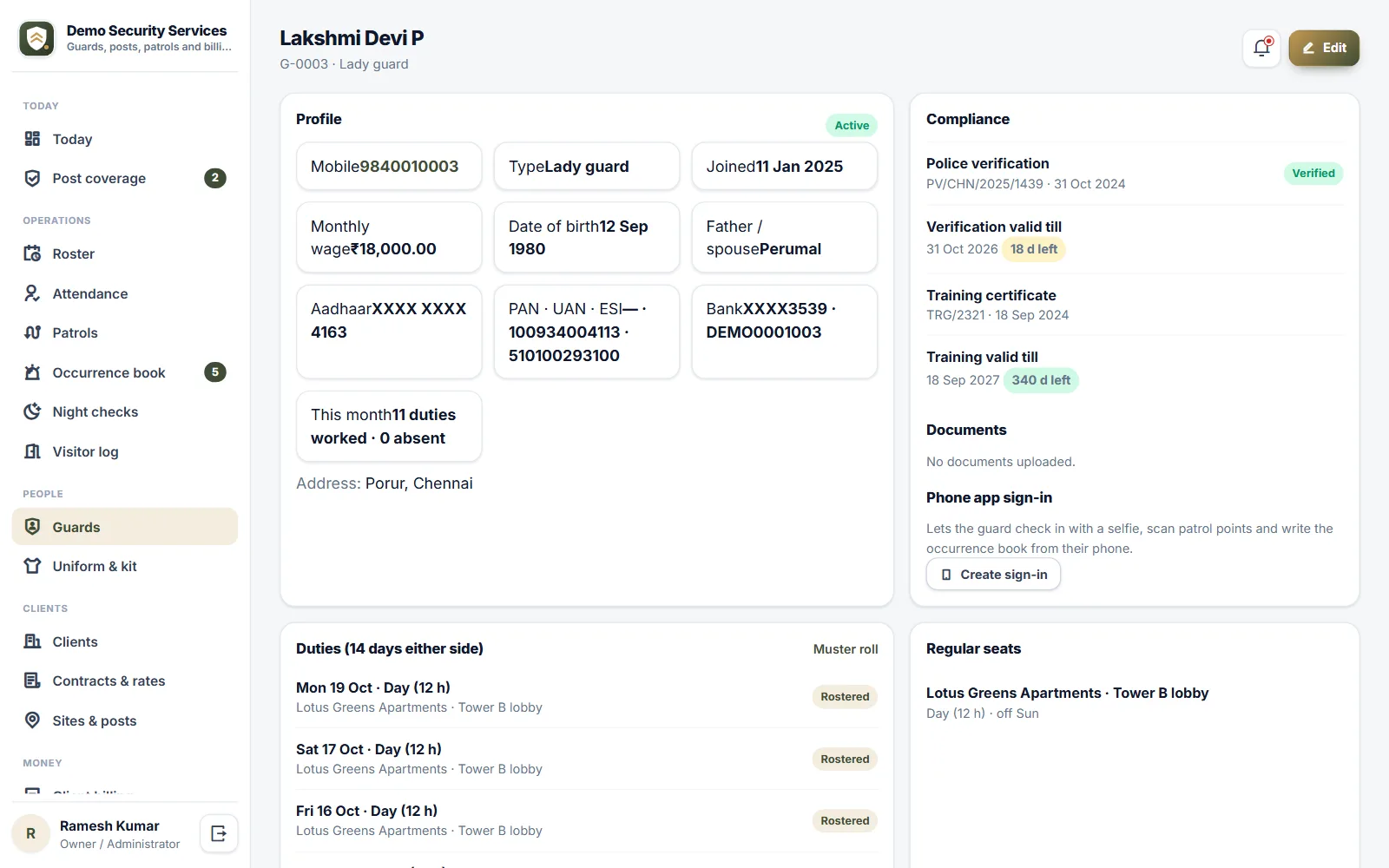
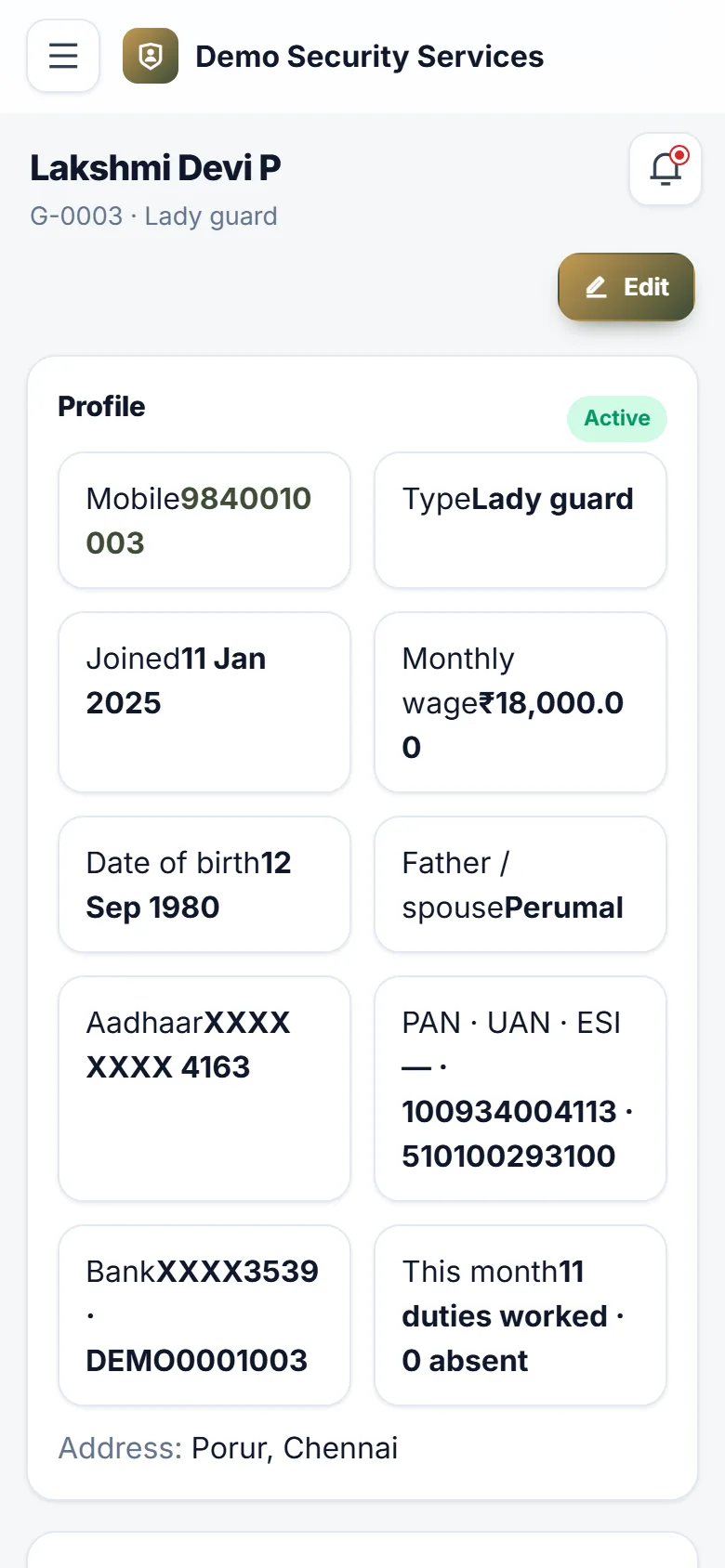
- Guard registerKYC (last four digits of Aadhaar only), PAN, PF UAN, ESI number, bank account, documents
- Police verification status, reference and validity; training certificate and validity
- Guard typessecurity guard, lady guard, head guard, site supervisor, armed guard, bouncer; reliever pool
- Uniform and kit issue register with optional recovery from wages
- Clients with GSTIN, place of supply and reverse charge
- Contracts with a rate card per guard type for 8- and 12-hour shifts; bill a month as its days, 26 or 30
- Sites with map pin, check-in radius, field supervisor, patrol plan and visitor log
- Posts with shift patterns (24×7 in 3×8 or 2×12, day or night only), guards per shift and their own rate
- Regular deployment per seat with weekly offs; one-tap roster for up to 31 days
- No guard on two overlapping duties; one guard per seat
- Post coverage boardon post, rostered, no-show, vacant; reliever pick-list of guards free at that time
- SMS alerts for vacant posts and no-shows to the site supervisor and operations
- Phone check-in and check-out with selfie and location; late and outside-the-site flags
- Attendance by day with bulk marking, and a monthly muster roll (CSV)
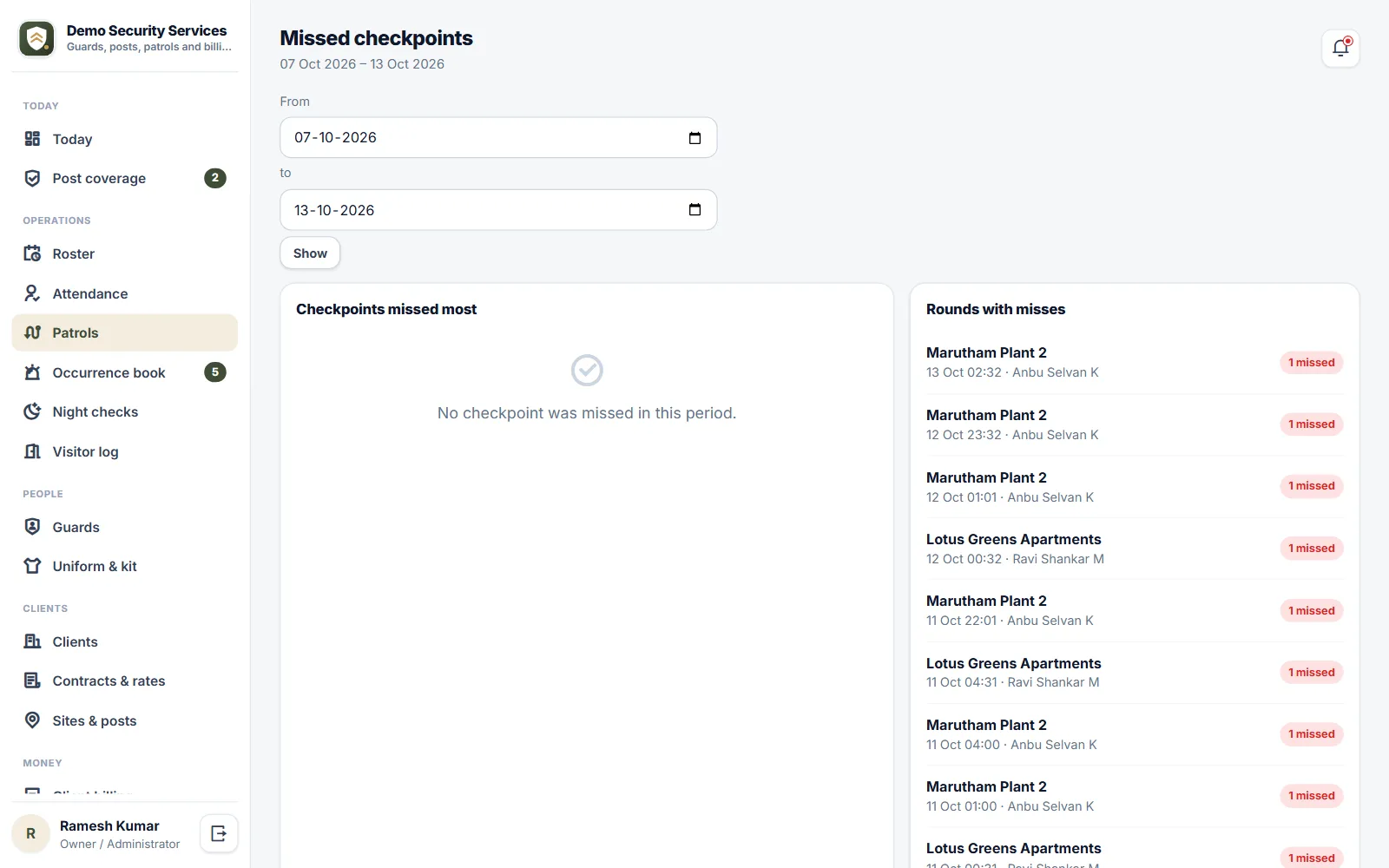
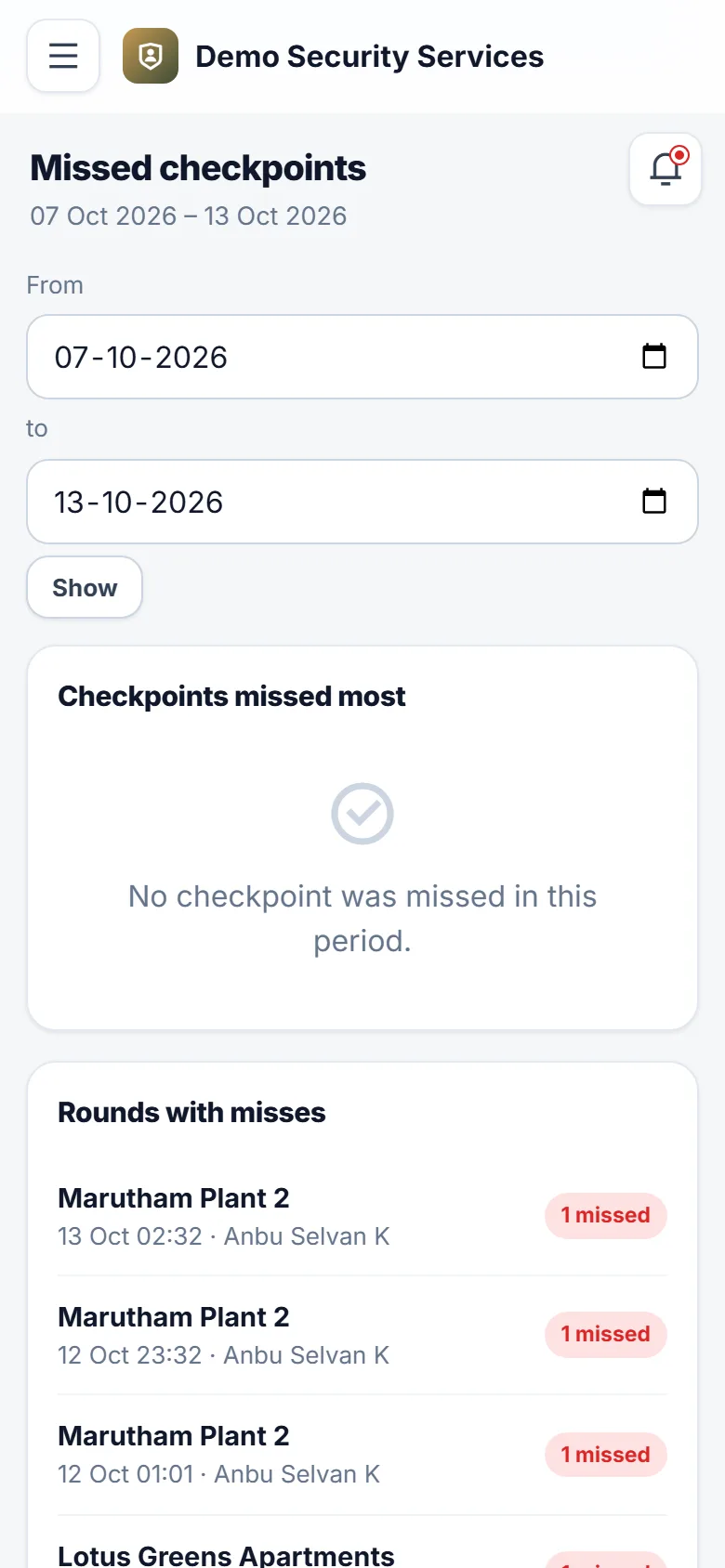
- Guard-tour patrolsprintable QR checkpoint labels, rounds, scans with location, missed-checkpoint report
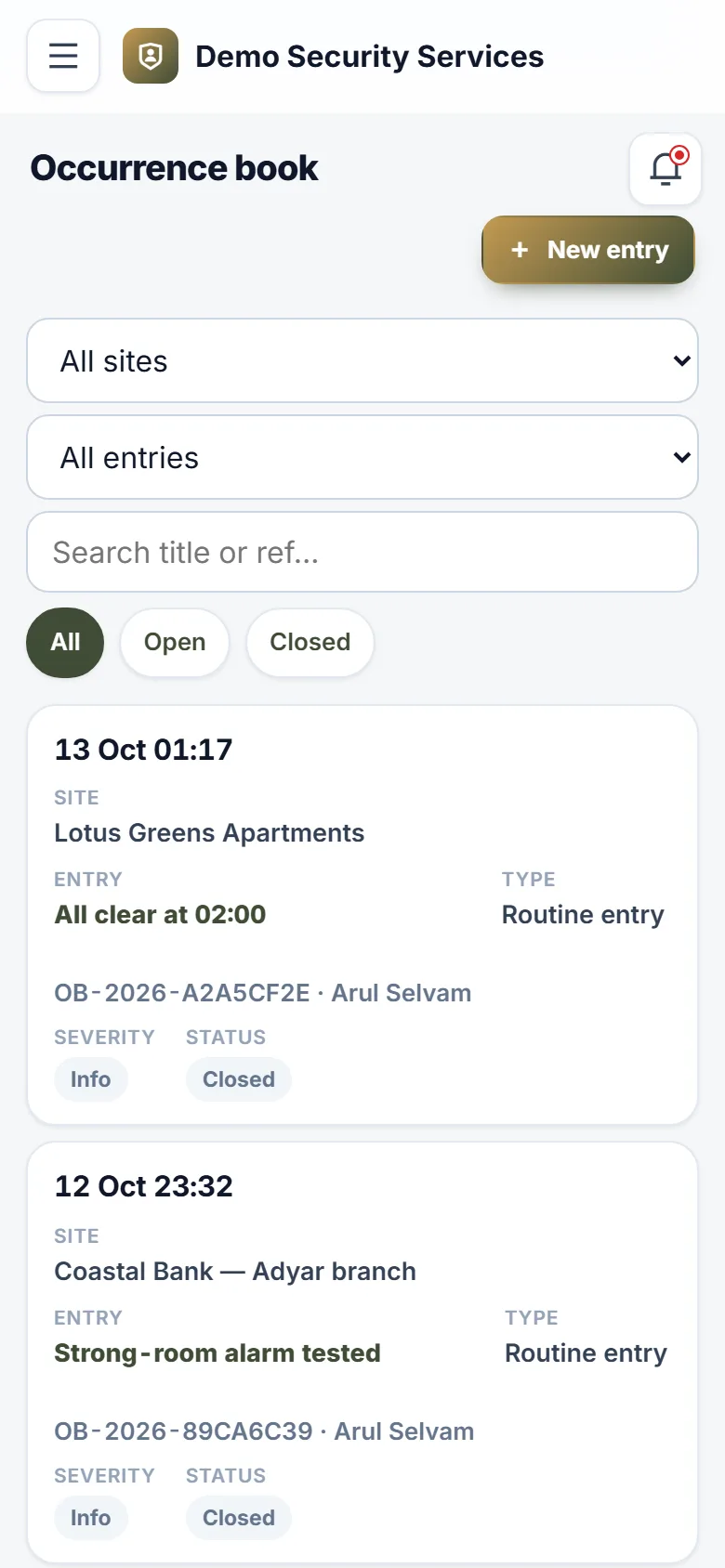
- Occurrence book with incident types, severity, photos, closing notes and client sharing
- Visitor log per site, kept by the guard on duty
- Supervisor night checks with findings, uniform and register checks, location and photo
- Monthly GST invoices from duties workedCGST/SGST or IGST, reverse charge, SAC, numbering per financial year, print / PDF
- One live invoice per client per month; cancel and re-bill with a reason
- Guard wages from attendance with PF, ESI and professional tax from an editable statutory rates table
- Salary advances with instalments; kit recovery; wage register (CSV); payslips on the guard's phone
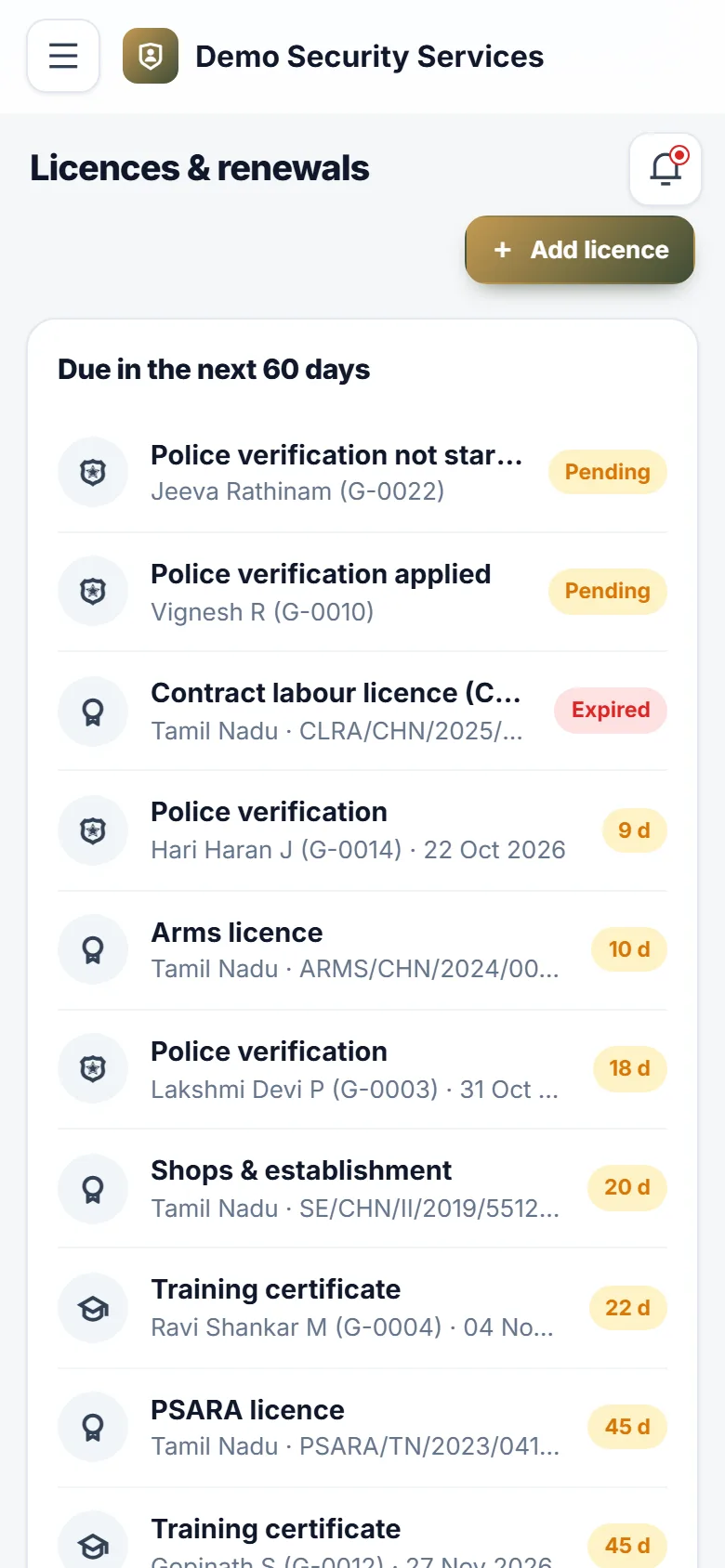
- Licences and renewalsPSARA per state, contract labour, shops & establishment, GST, PF, ESI, arms, with reminders
- Client portalcoverage, attendance, patrols, shared incidents, visitors and invoices for their own sites
- Reports: coverage by site, billable duties, patrol compliance, incidents, guard documents, relievers and absences
- Roles: owner, operations manager, field supervisor (own sites only), accounts, guard, client
- Your agency's name, logo and colours; installs on any phone
What you get
Ratings and reviews
No reviews yet — be the first!
Sign in to write a reviewWhat's new
Fair use limits
- Where your plan includes a set number of staff logins, Users & Roles shows how many are in use once 80% are taken. When all are in use, a new staff login asks you to switch one off or ask your provider for more. Customer and portal logins are never counted, and nobody is ever switched off.
- Where your plan limits imports, one import file can carry up to 5,000 rows. A bigger file is refused before anything is imported, with a note to split it.
- Where your plan limits photo size, uploaded photos are saved at up to 1600 pixels on the longest side, turned the right way up, so pages load faster and use less storage. Smaller photos are kept exactly as sent.