Manpower & Staffing Agency Management Software
Business & Operations Run a manpower supply agency from the client's request to the associate's payslip: requisitions, deployments, client-approved timesheets, GST billing, payroll and PF / ESI proof.About this app
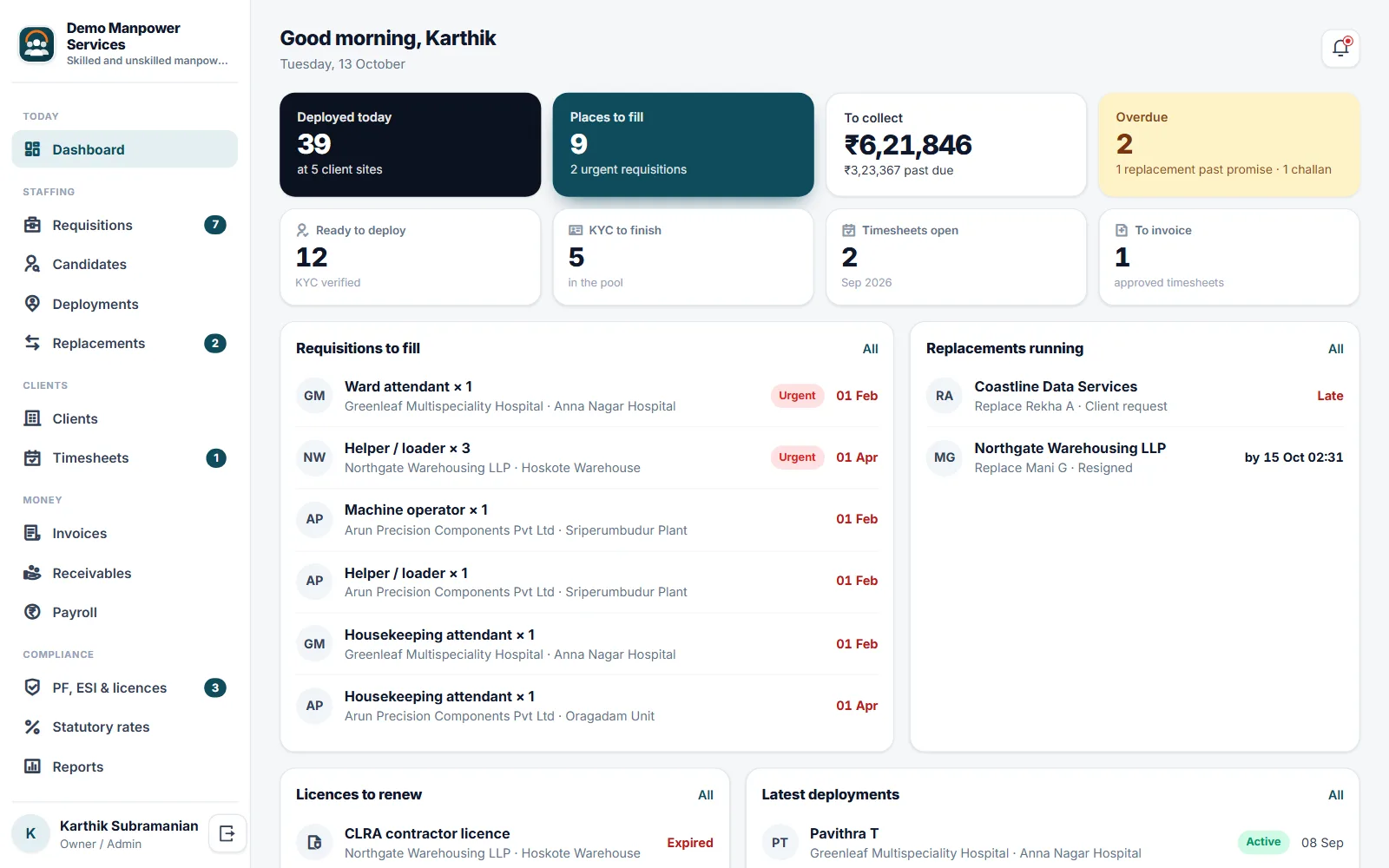
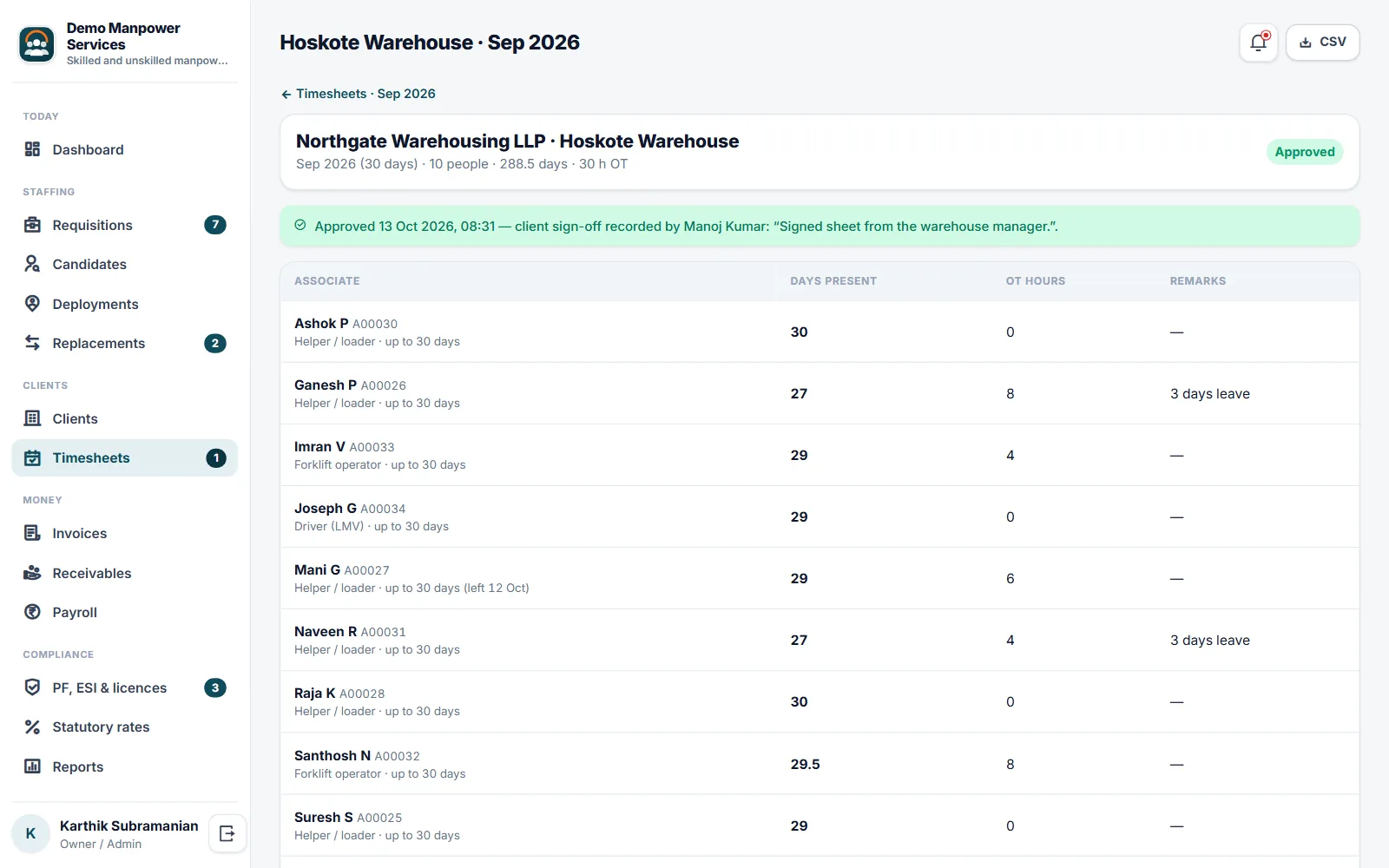
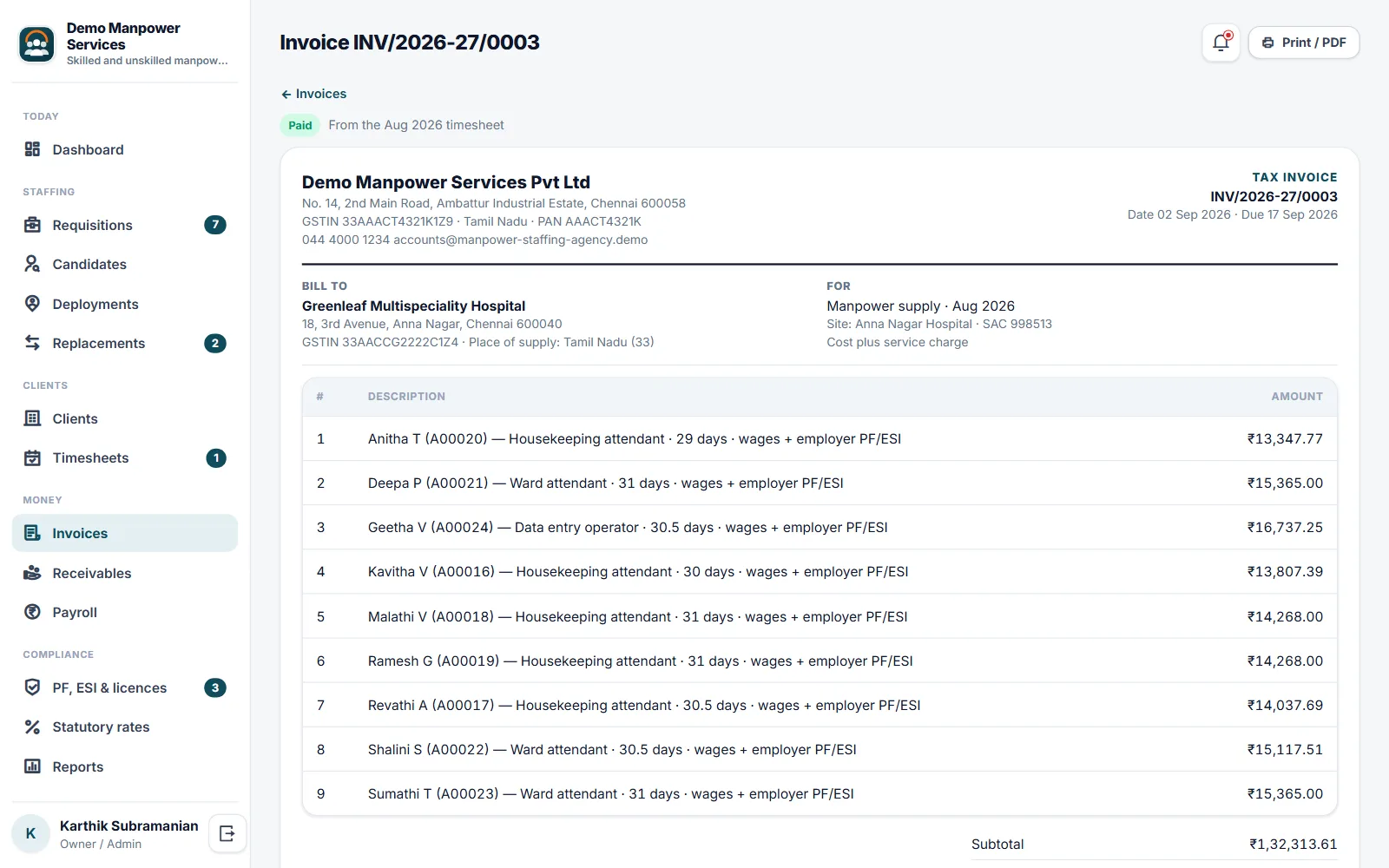
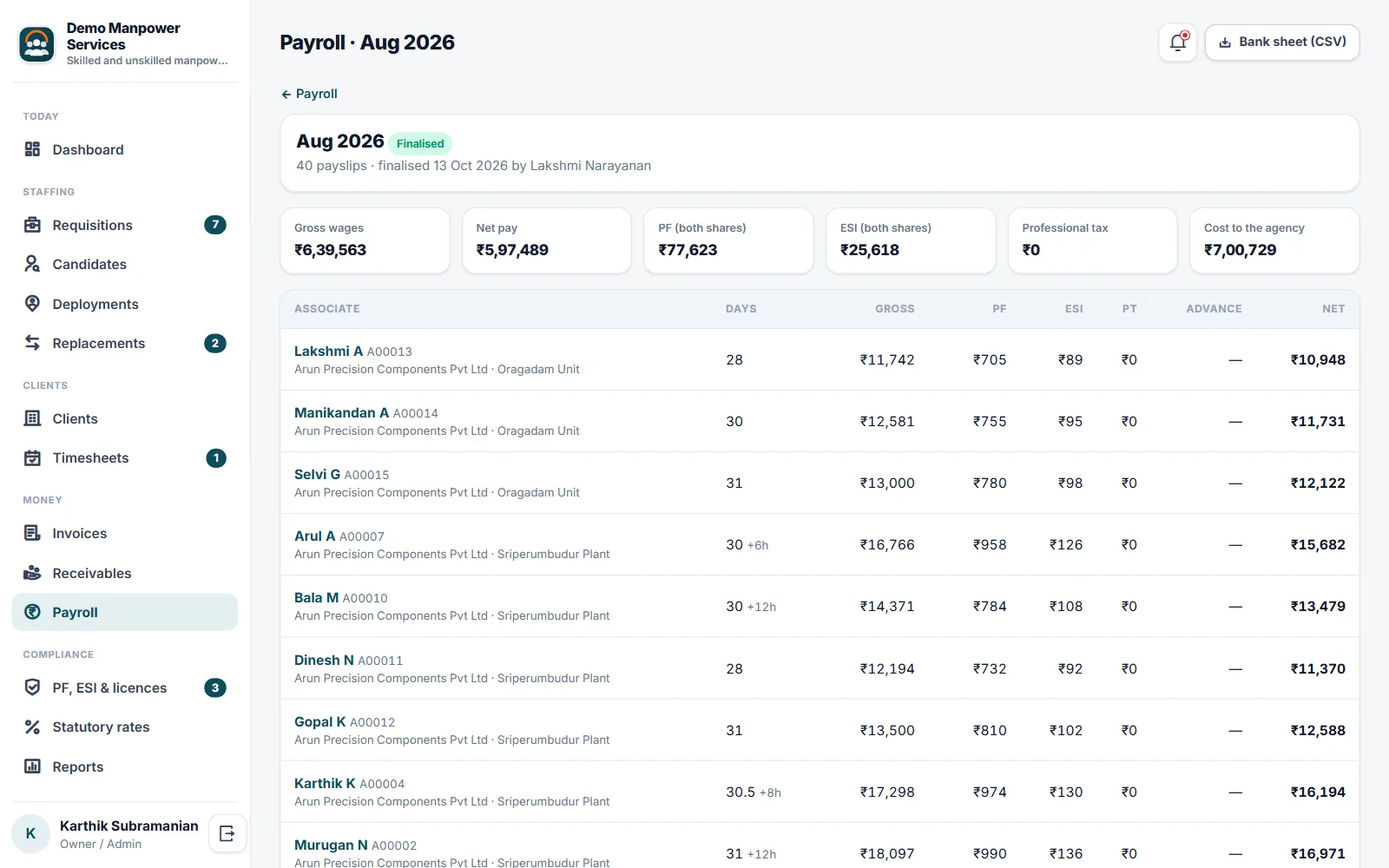
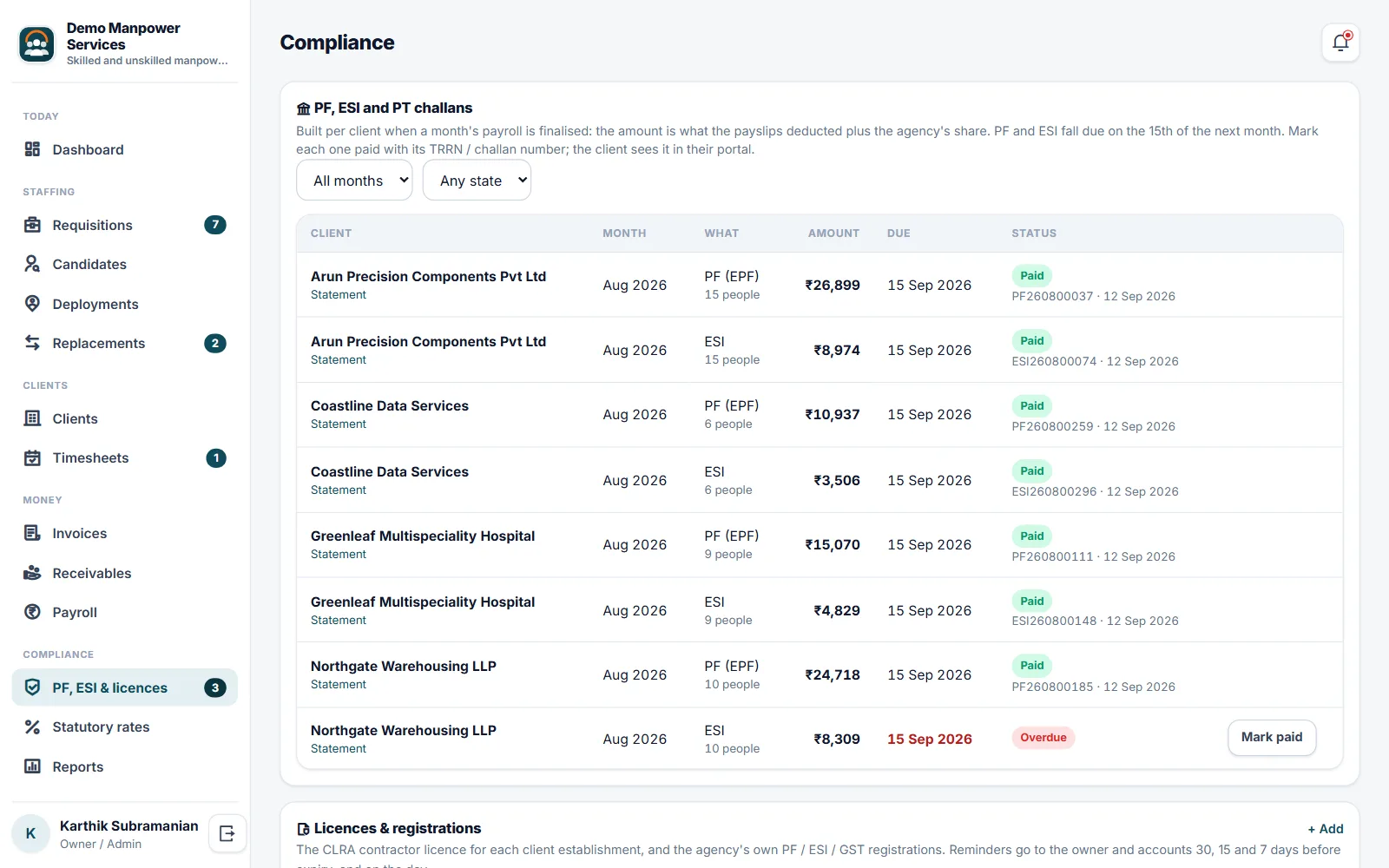
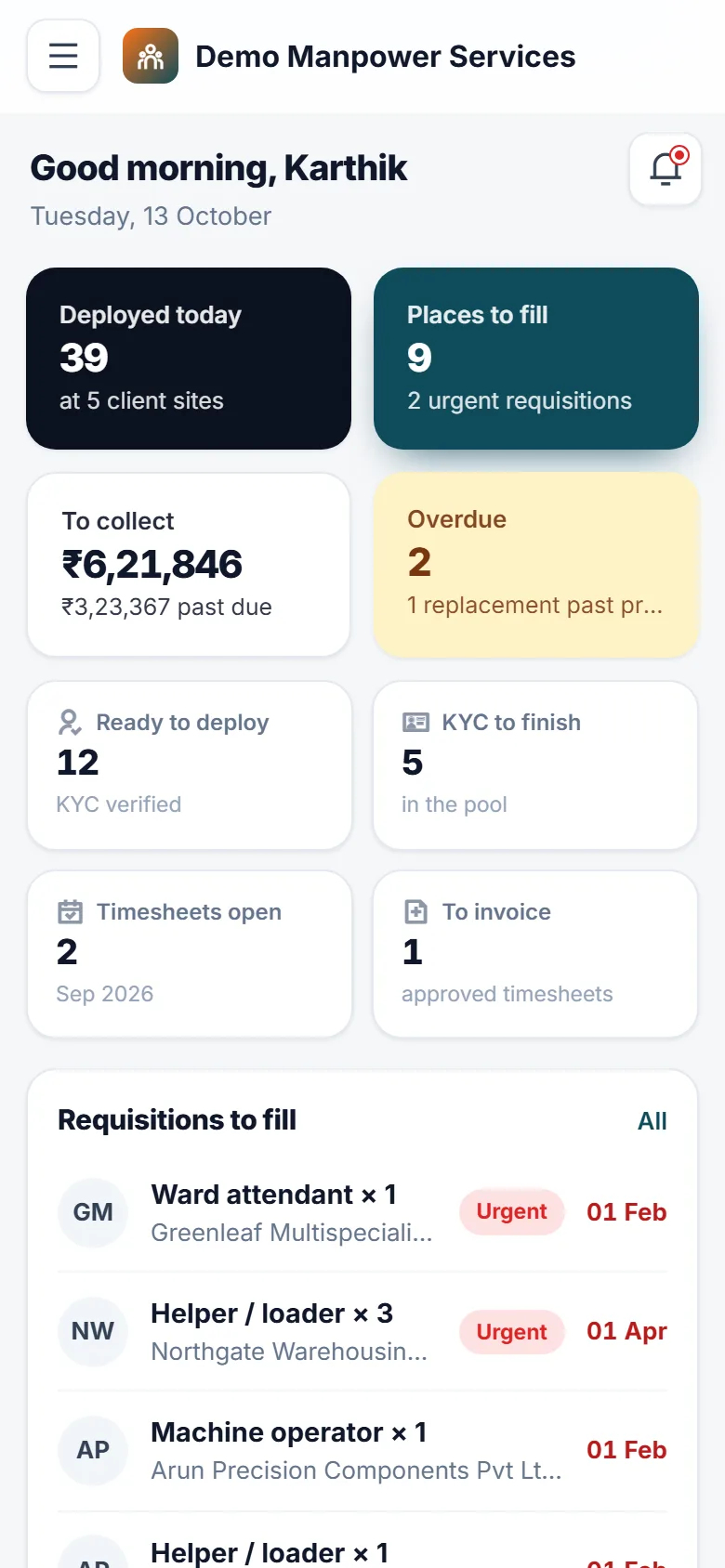
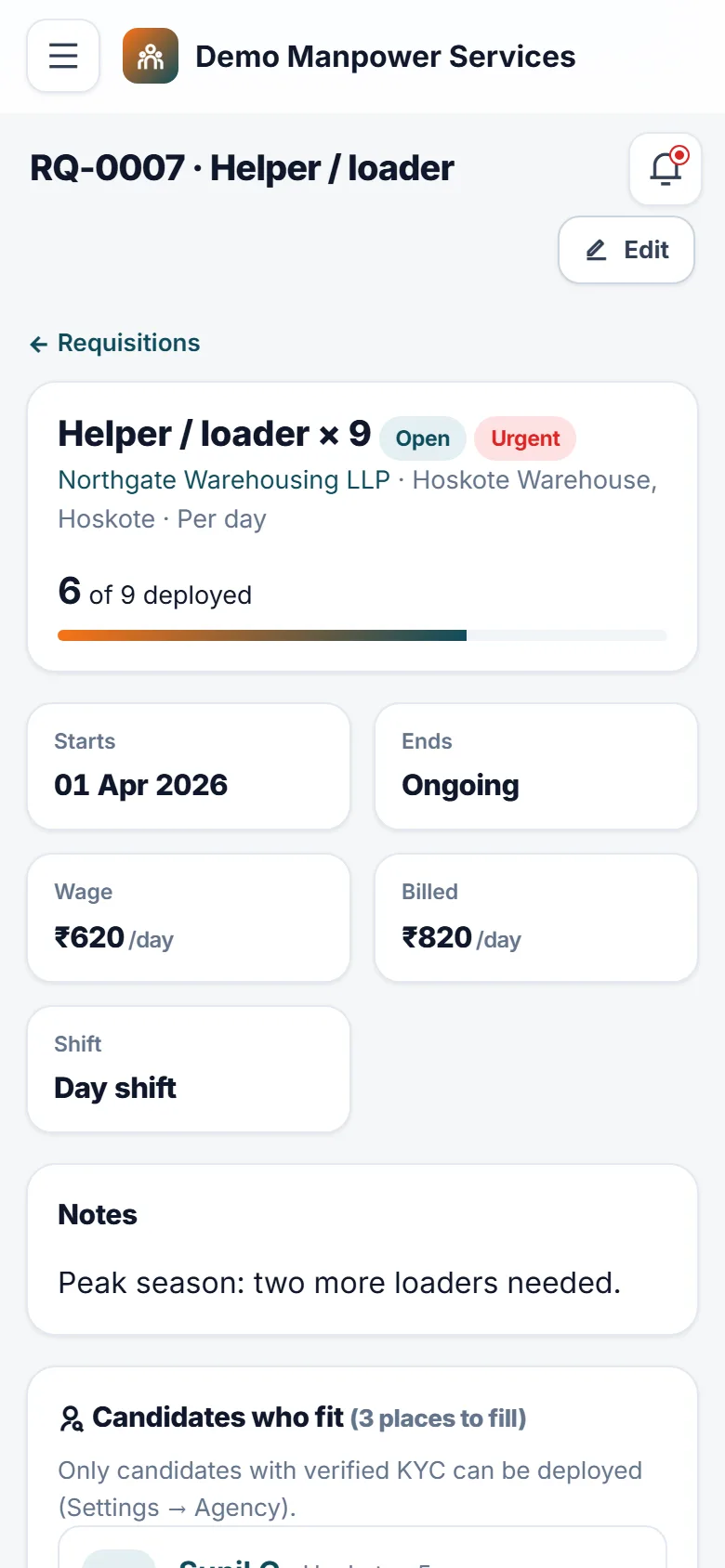
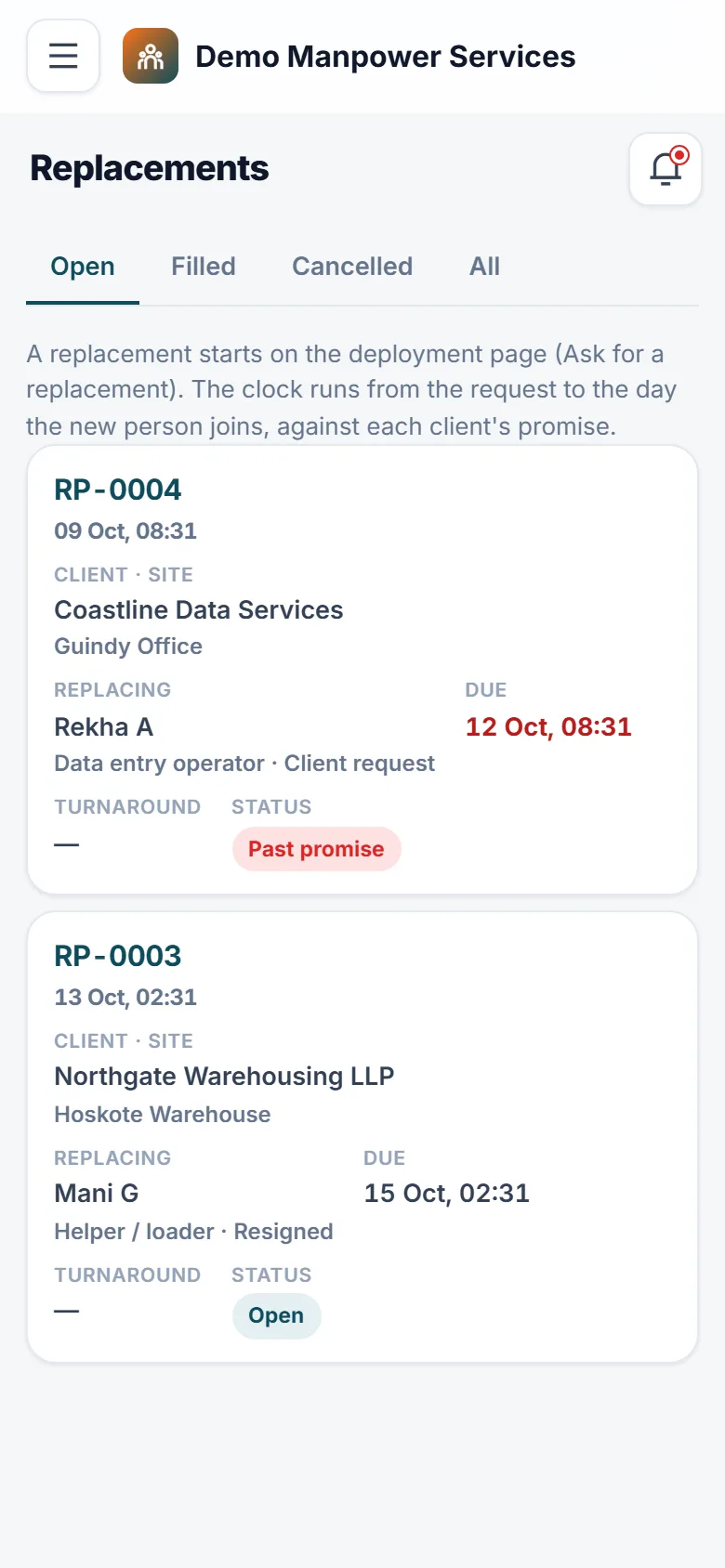
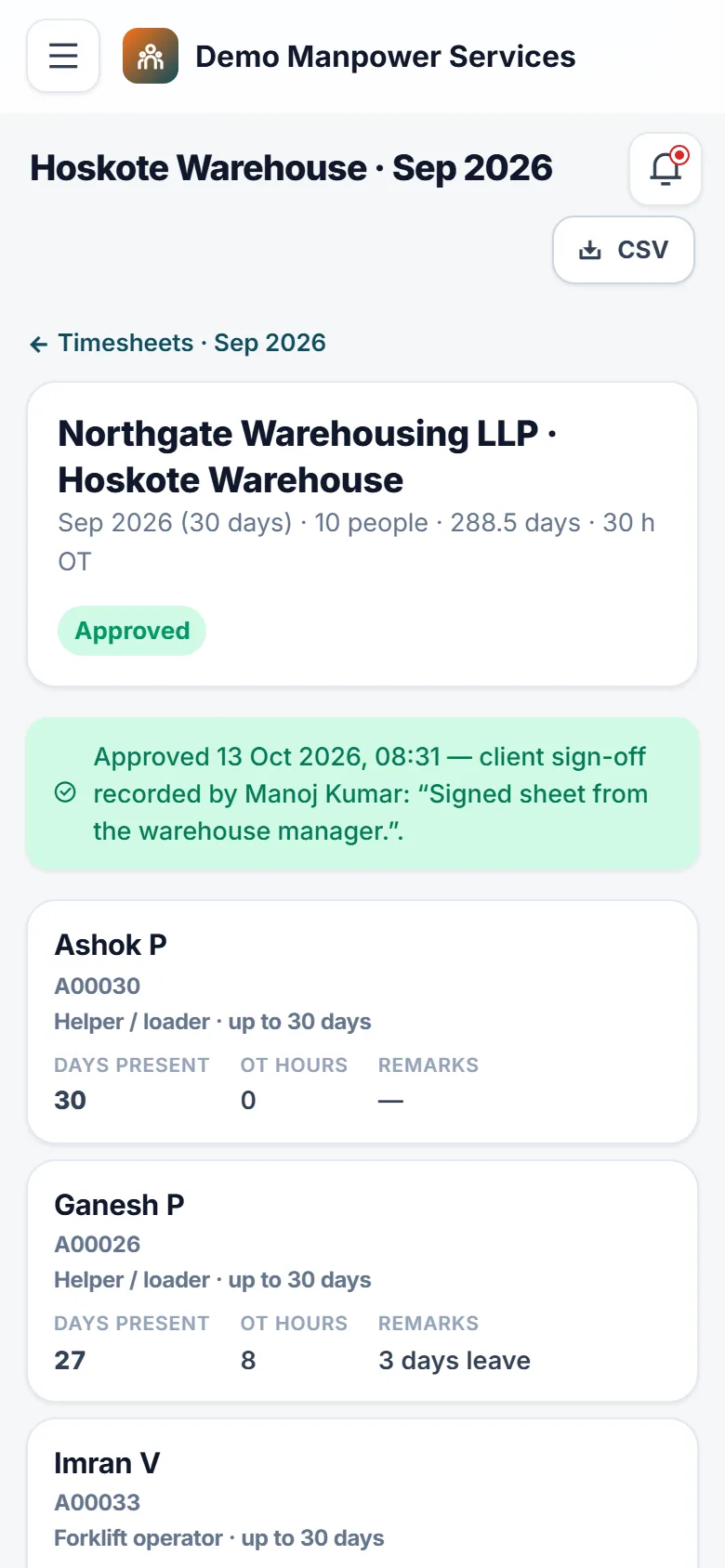
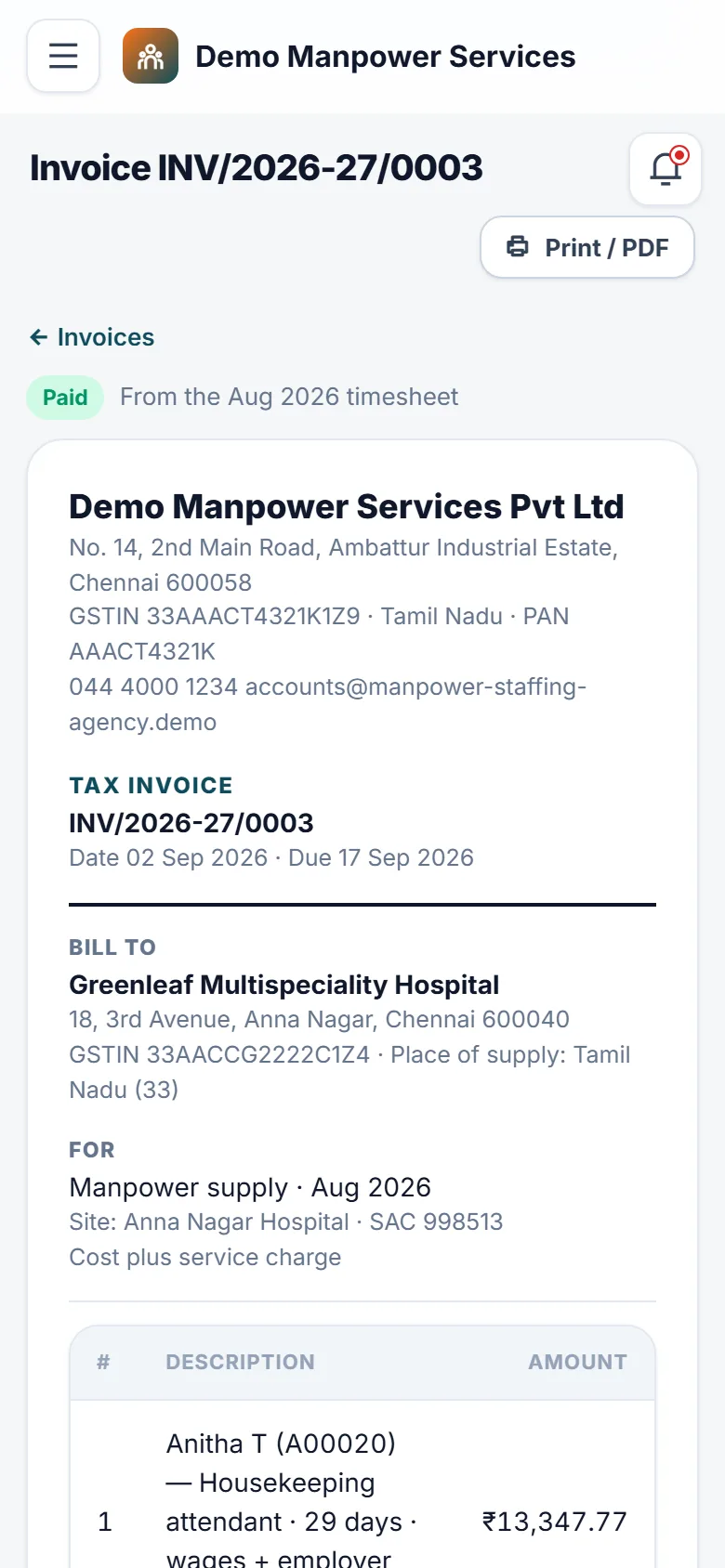
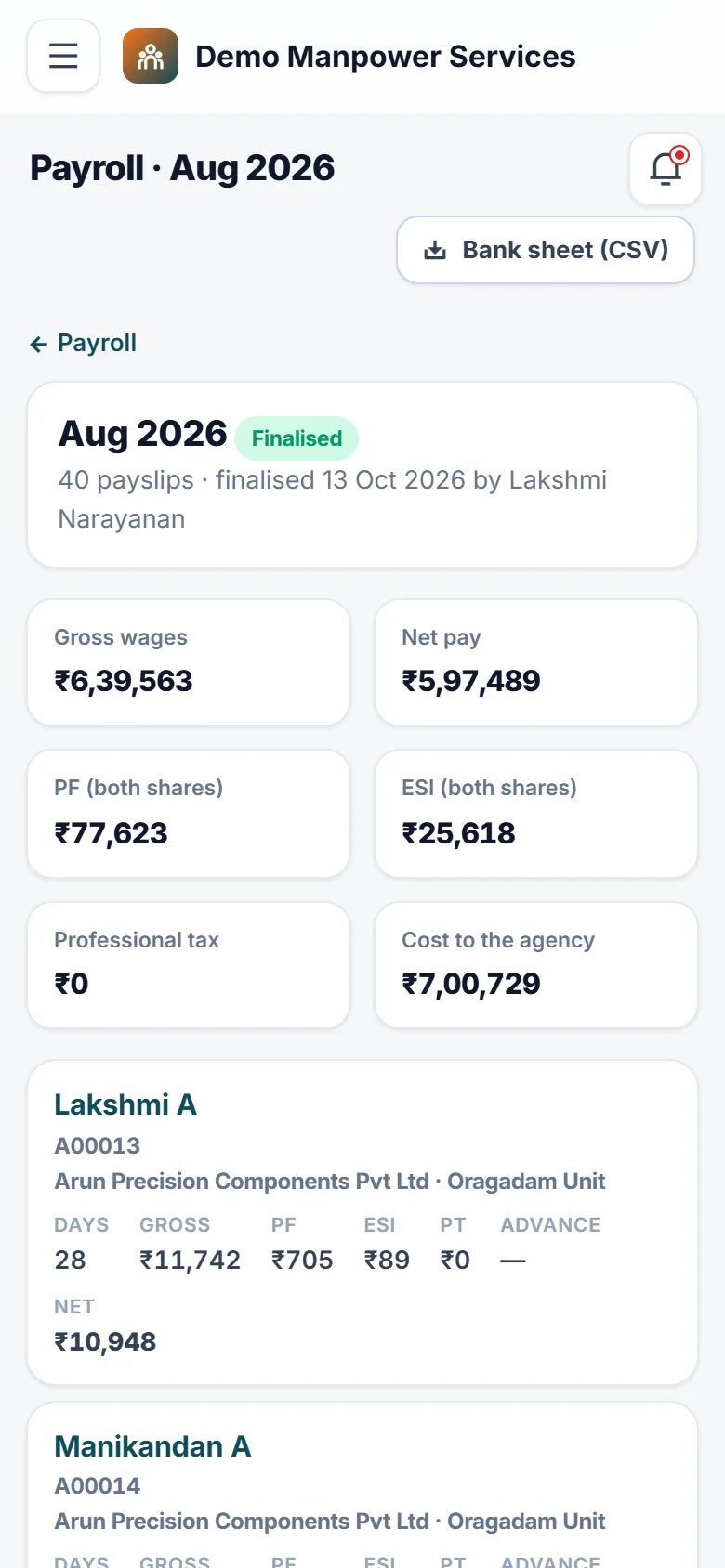
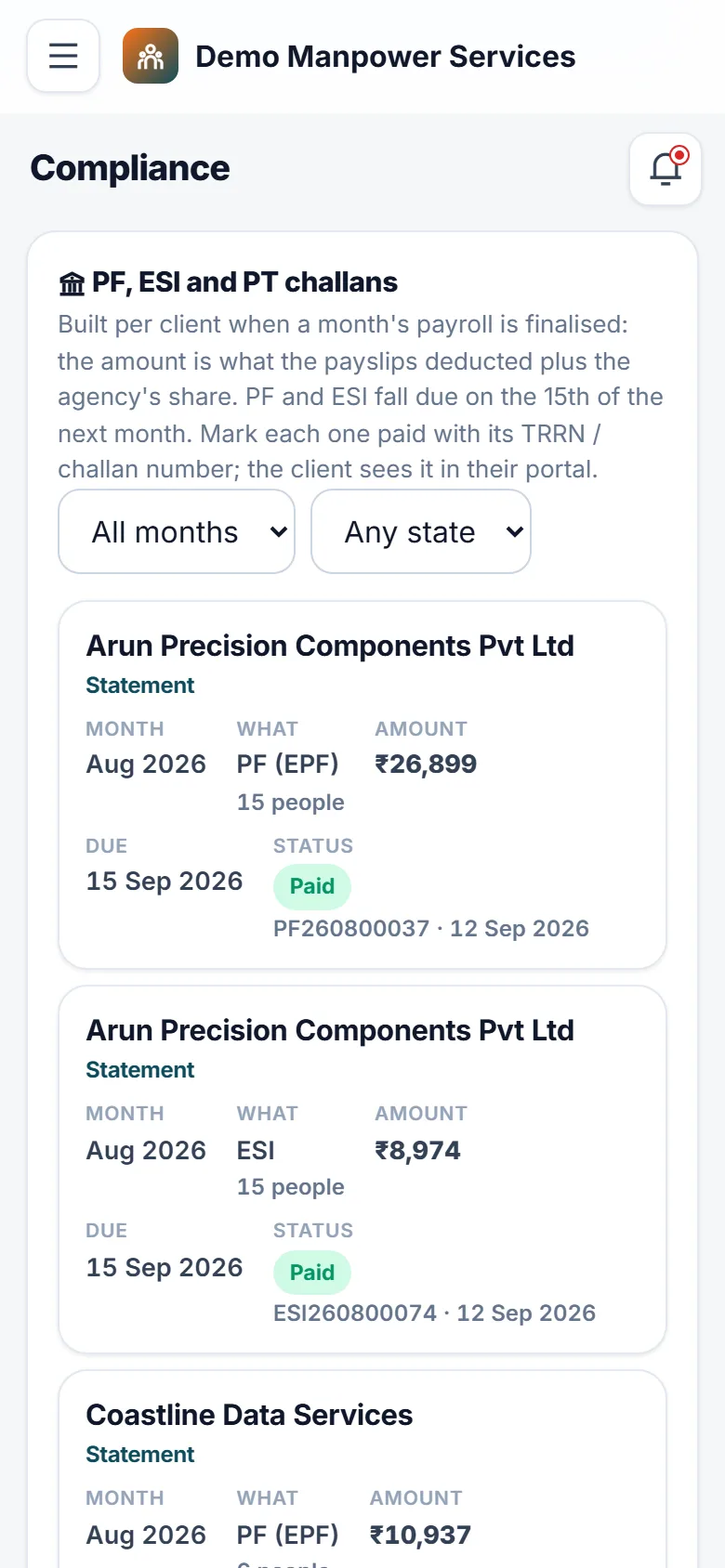
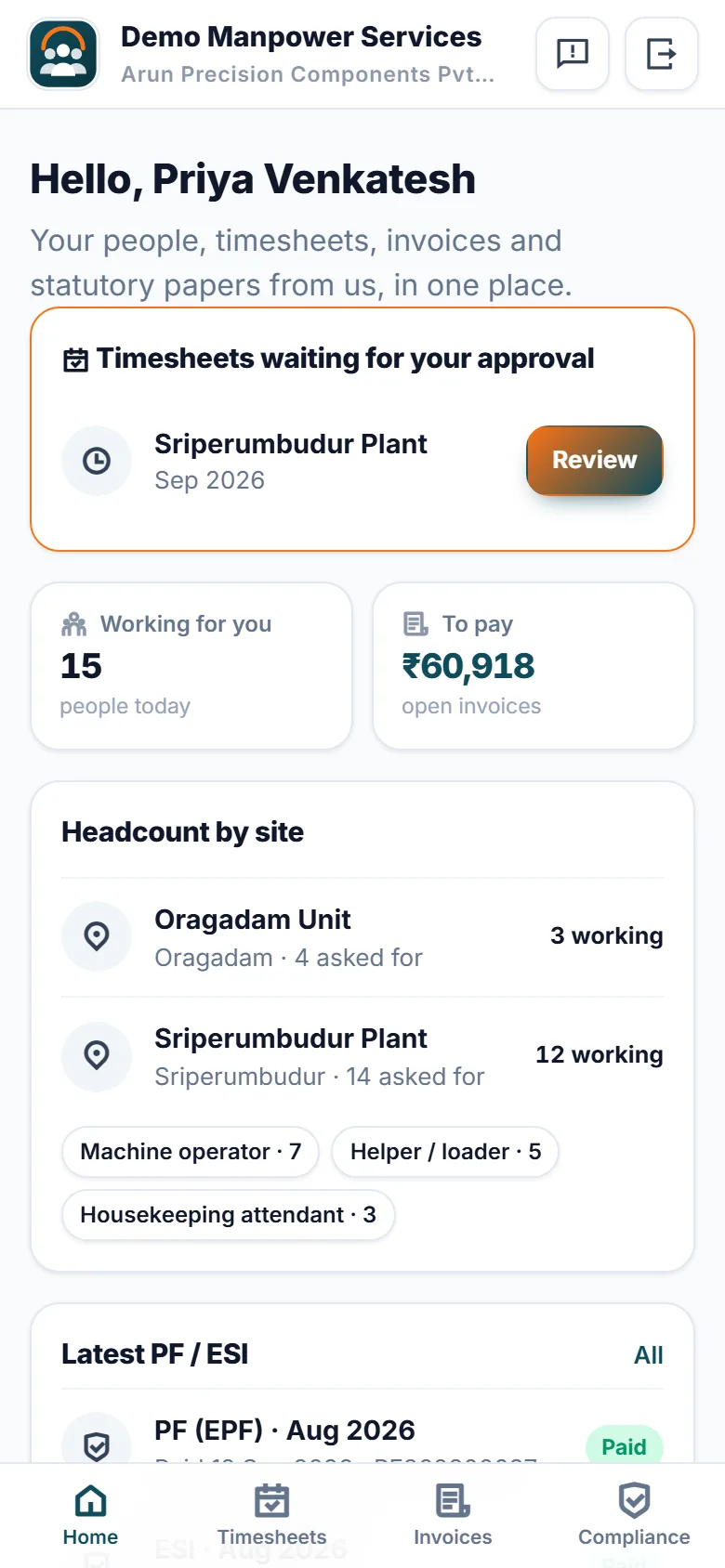
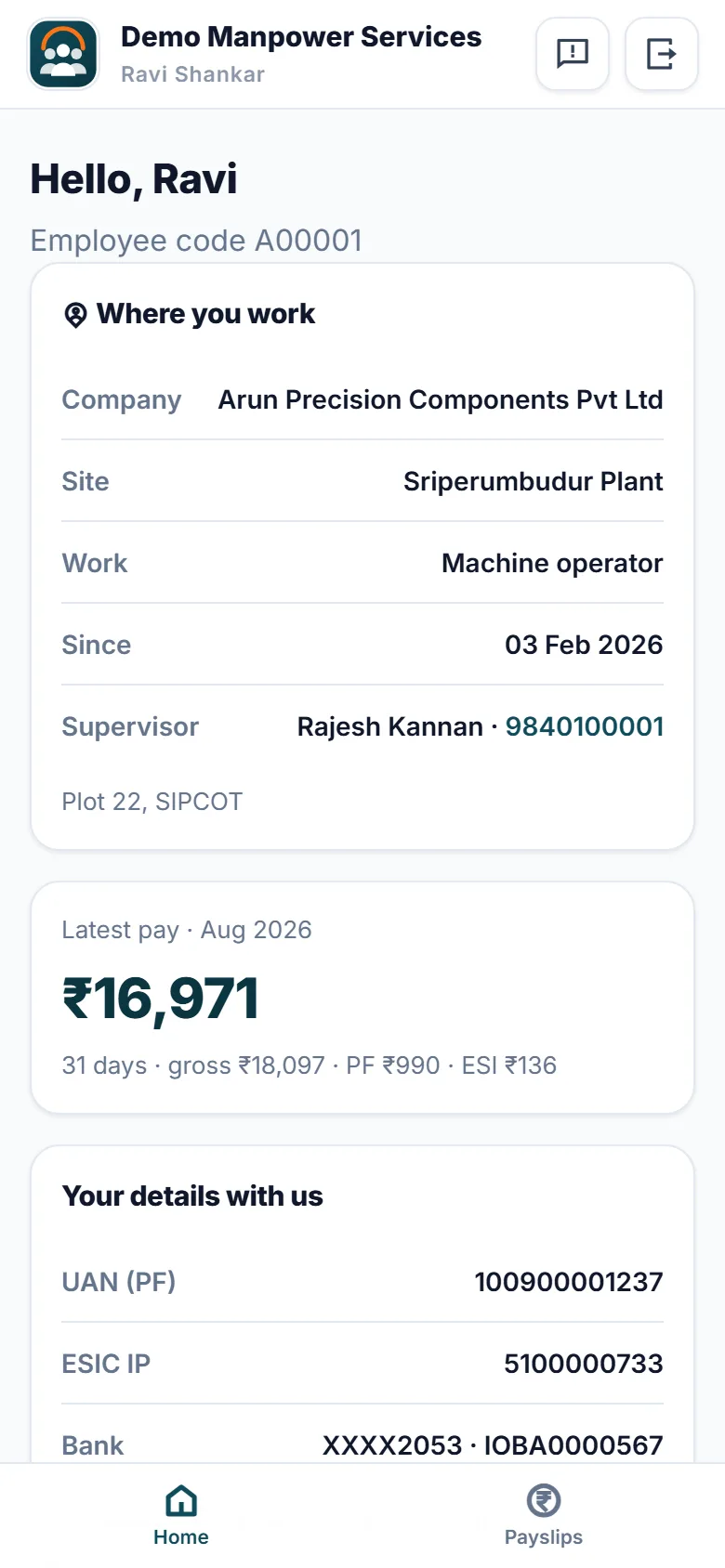
For agencies that supply housekeeping staff, helpers, machine operators, drivers, data-entry operators and other contract workers to client companies. Every client request becomes a requisition: the trade, how many people, which site, from when, the wage and the bill rate. The candidates who fit are listed best first, with the reasons — same trade, KYC verified, lives near the site, experience — and a tap deploys them. Only KYC-verified people can be deployed, and one person can be at only one site at a time. When someone leaves or a client asks for a change, the replacement runs against the promise you made that client, and the turnaround is recorded. At month end each site's attendance is filled in or pasted from the client's sheet, and the client approves it in their own portal. The approved timesheet becomes a GST invoice — per head, per day, or cost plus your service charge, with CGST + SGST or IGST worked out — and receipts with TDS keep receivables up to date by age. Payroll pays associates from the same approved timesheets, with PF, ESI and professional tax from rates you keep as dated data. Finalising it prepares each client's PF and ESI challans; mark them paid with the TRRN and the client downloads the proof and the contribution statement. CLRA licences per site come with expiry reminders. Margin by client and by associate shows what each contract really earns. Associates see their payslips on their phone; your name, logo and colours are on every screen. How it differs: HR & Payroll Management Software runs a company's own employees, and Loading Unloading Labour Management and Wage Software pays loading gangs. This one is built around clients — their requisitions, deployments at their sites, their approved timesheets, their invoices and their compliance papers.
Why buyers pick it
Everything included 20
- Client requisitionstrade, headcount, site, wage and bill rate (a month or a day), start and end dates, shift, priority
- Candidate matching ranked by trade, verified KYC, city, experience and expected wage, with the reasons shown
- Candidate pool with skills, UAN, ESIC IP, PAN and bank details (Aadhaar and bank account as last four digits only)
- KYC documents with verification; deployment only after verified KYC (switchable)
- One active deployment per associate and never beyond a requisition's headcount, enforced by the database
- Deployments with end reasons, and replacements timed against each client's promise in hours
- Monthly timesheets per sitepre-filled days, overtime, remarks, paste from Excel, CSV download
- Client approval in the client portal, or a staff-recorded sign-off with how it was approved
- GST invoices per head, per day or cost plus service charge; CGST + SGST or IGST; SAC code; amount in words; print / PDF
- Receipts with TDS, part payments, and receivables by age
- Payroll from approved timesheetsbasic, allowances, overtime, PF, ESI, professional tax, advances, net pay, employer cost
- Statutory rates as dated data with history; professional-tax slabs per state
- PF / ESI / PT challans per client per month with TRRN and receipt; contribution statements
- CLRA contractor licences and agency registrations with reminders 30, 15 and 7 days before expiry
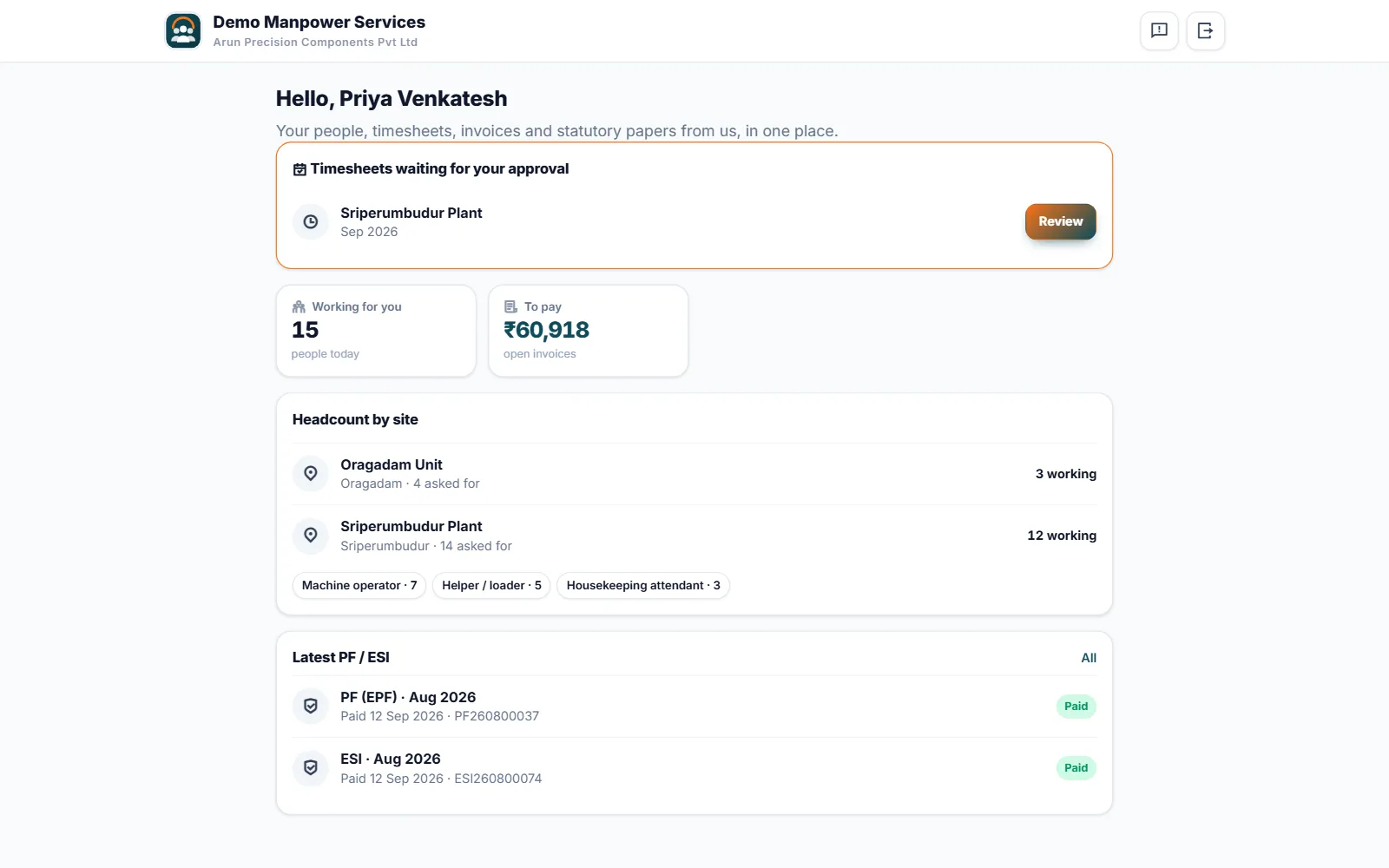
- Client portalheadcount by site, timesheet approval, invoices, compliance papers
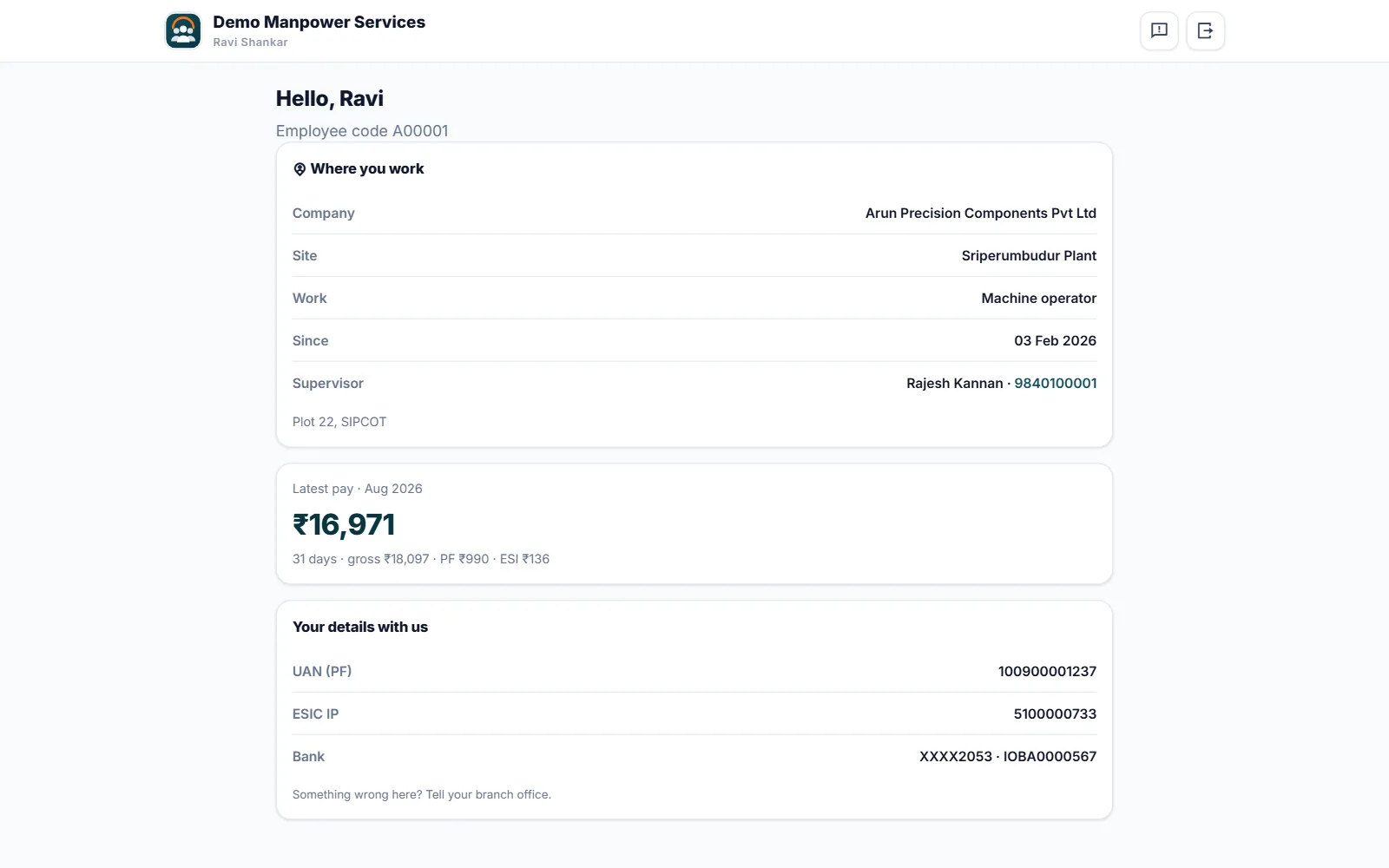
- Associate self-servicedeployment and payslips, sign-in with mobile and password or an SMS code
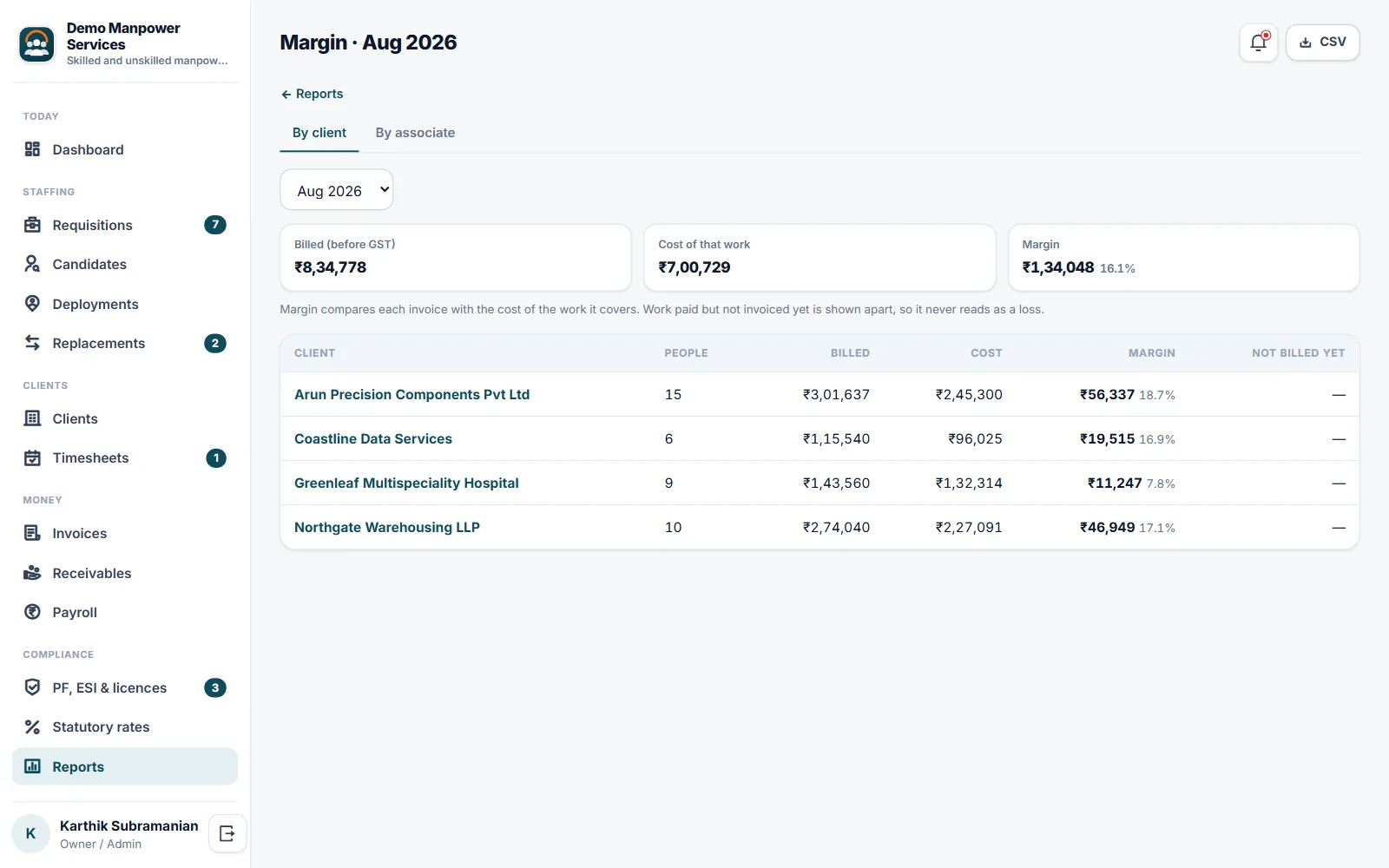
- Reports: margin by client and by associate, headcount vs requisitions, replacement turnaround; CSV export
- Roles: owner, recruiter, operations (optionally one branch), accounts, client, associate
- Candidate data download and erasure on request
- Your own name, logo, colours and web address
What you get
Ratings and reviews
No reviews yet — be the first!
Sign in to write a reviewWhat's new
Fair use limits
- Where your plan includes a set number of staff logins, Users & Roles shows how many are in use once 80% are taken. When all are in use, a new staff login asks you to switch one off or ask your provider for more. Customer and portal logins are never counted, and nobody is ever switched off.
- Where your plan limits imports, one import file can carry up to 5,000 rows. A bigger file is refused before anything is imported, with a note to split it.
- Where your plan limits photo size, uploaded photos are saved at up to 1600 pixels on the longest side, turned the right way up, so pages load faster and use less storage. Smaller photos are kept exactly as sent.